How-To Geek published a piece this week — 5 self-hosted 3D printing tools you should download today by Tim Brookes — that I read nodding along rather more enthusiastically than usual. Not because the tools are new, but because reading a list of five things that would make my workflow better while knowing I have set up exactly one of them is a specific kind of motivating discomfort. This is our take on the same tools, from the perspective of someone who has been meaning to sort several of these out for a while and is now formally out of excuses.
Manyfold: the one I needed yesterday
Ask me where a specific model is and I will tell you it is in Downloads. It is always in Downloads. Two years of prints, hundreds of models downloaded from MakerWorld and Printables, 3MF files accumulated from this site’s own project posts, multi-part Grinch sections, seasonal builds, figurine series, functional parts — all of it in one folder that is now large enough that searching for a specific file name is the only viable option and I occasionally forget the exact name I saved it with.
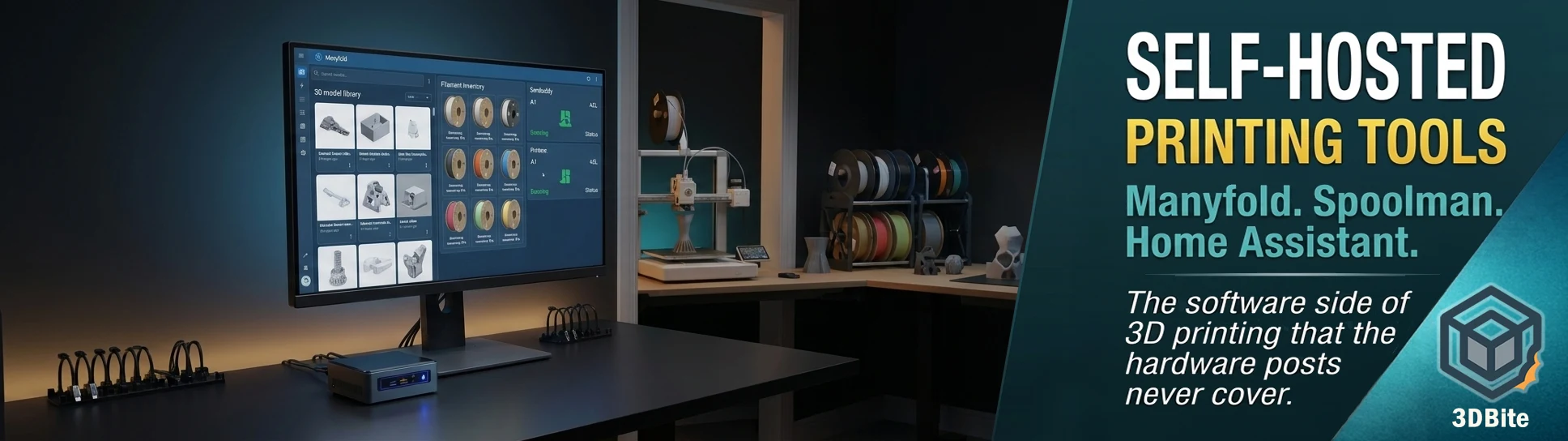
Manyfold is the tool that fixes this, and I have no good reason for not having set it up yet. It is a self-hosted 3D print file indexer — you point it at your file collection, it gives you browsable categories, tagging, search, and full interactive 3D previews of the models in your library without opening a slicer. It can analyse files for mesh problems, link related files together (useful for multi-part models where the components live in the same folder but are otherwise unconnected), and integrates with OctoPrint and similar print servers. You can set access permissions for sharing with other people on your network, which matters if there are other people in the household occasionally printing on the machines.
Self-hosting options include a Docker container, a Home Assistant add-on, and an Unraid plugin. Running Home Assistant already, as covered in the CYD desk buddy post, means the Home Assistant add-on route is probably the path of least friction. Planned future versions will add version control and a built-in basic slicer. Neither of those is the reason to install it — having 3D previews and a searchable library rather than a flat folder of files is reason enough. This one is going on the to-do list this week rather than staying on it indefinitely.
The Manyfold project is at manyfold.app.
Spoolman: because 40 spools is too many to track in your head
The filament collection covered in the long-term ownership post currently sits at just over 40 spools in a 16-spool 3D-printed rack inside airtight boxes with silica gel. I know roughly what is there. I do not always know how much is left on a partial spool. I have started a print that needed more of a specific colour than the spool turned out to contain, and had to pause the job and swap mid-way. That is not a disaster — it is just annoying, and it is exactly the kind of annoyance that a proper inventory system eliminates.
Spoolman does filament inventory. You log what you have, track usage across prints, see what is running low, and know before you start a long job whether the loaded spool has enough material to finish it. It integrates with Bambuddy (see below) for automatic usage tracking, which means the manual entry burden is reduced — usage is recorded as prints run rather than estimated after the fact. It also integrates with OctoPrint and supports multiple printers, which is relevant now that the A1 and A2L are both on the desk simultaneously. Knowing how much filament has been consumed across two machines across a project is genuinely useful when planning whether to order more before a busy print week.
The Bambu Studio 2.7.x filament management feature and the Bambu Handy 3.22.0 inventory update, covered in the Handy update post, are doing some of this job within the Bambu ecosystem already — but only for RFID-tagged Bambu spools. eSun, Sunlu, and the rest of the third-party collection that makes up the majority of 40+ spools does not benefit from that automatic tracking. Spoolman is brand-agnostic and works with everything.
Spoolman is at github.com/Donkie/Spoolman.
Bambuddy: the cloud-freedom option for Bambu users
Bambuddy is the tool on this list that is most directly connected to the ongoing Bambu Lab ecosystem conversation running throughout this site. It is a self-hosted local web interface for Bambu printers — print control, monitoring, filament tracking, maintenance scheduling, print history, and the ability to schedule prints in advance. All without touching Bambu’s cloud. For a machine manufacturer that has been under formal investigation for AGPLv3 violations and whose cloud dependency became a live issue for users when LAN mode had cloud services withdrawn, having a self-hosted alternative is a position that a meaningful portion of the Bambu community is actively interested in.
The ecosystem post and the SFC investigation post are the relevant context here. Bambuddy does not replace Bambu Studio as a slicer and is not trying to — it is the remote monitoring and control layer that sits between the printer and the user, operated locally rather than through Bambu’s servers. Print scheduling specifically is something Bambu Handy and Bambu Studio do not support natively. If you want a print to start at 3am and be finished for the morning, Bambuddy can do that. Bambu’s own tools cannot.
In terms of my current setup: I use Bambu Handy for remote monitoring and it works well enough for the workflow I have now. But I am an IT professional who runs Home Assistant in the house and already has the CYD wall display pulling Bambu printer status through HA. Bambuddy fits naturally into that setup and the philosophical case for not being wholly dependent on Bambu’s cloud has been made comprehensively by the events of the past year. This one is worth installing not because anything has broken but because the time to reduce cloud dependency is before it becomes necessary rather than after.
Bambuddy is at bambuddy.cool. The documentation wiki is well-maintained and the Spoolman integration works natively for automatic filament usage recording.
Home Assistant: already running, massively underused for printing
This one is a slightly strange inclusion on the list because it is not specifically a 3D printing tool — but the HowToGeek piece makes the correct point that if you are already running Home Assistant and you have not connected your printer to it, you are leaving straightforward functionality on the table. The Bambu Lab HACS integration pulls every sensor the printer exposes — print progress, temperatures, AMS status, remaining time, error states — into HA as entities, where they can feed automations, notifications, and dashboards.
The CYD desk buddy project covered in the recent post is exactly this integration in practice — a £10 ESP32 board reading Bambu printer status through Home Assistant and displaying it on a small screen on the desk. The Bambu integration is already installed in this house specifically because the CYD build needed it. What has not been done yet is building the automations around it: a notification when a long print finishes, a ventilation trigger when the printers are actively running, a power monitoring alert if something unexpected happens overnight. All of those are straightforward HA automation tasks. The data is already there.
Home Assistant is at home-assistant.io, free and self-hosted. Bambu Lab integration is available via HACS. Integrations for Prusa, Elegoo, Creality, and Snapmaker are also available if you are not in the Bambu ecosystem.
OctoPrint: worth mentioning, less relevant for Bambu users
OctoPrint is the original self-hosted 3D printer management tool and it is genuinely excellent — for printers that need it. A web interface, webcam feed, plugin ecosystem, and remote access via OctoEverywhere for printers that ship without network capability or with inadequate web interfaces. On a machine like the A1 or A2L, which has Bambu Handy, Bambu Studio, and now Bambuddy as options, OctoPrint is not the first place I would look. The HowToGeek piece flags this honestly too. But if you have an older printer, a non-networked machine, or you are supporting a mixed fleet that includes hardware from multiple manufacturers, OctoPrint is still the most mature and widely supported option for that job. It is at octoprint.org.
The honest gap
Reading the HowToGeek piece prompted a fairly clear-eyed audit of how the software side of the printing setup compares to how much thought goes into the hardware side. The A1 and A2L are well-configured, well-maintained machines with thought-out filament storage and a considered multi-colour workflow. The file management is a chaotic Downloads folder. The filament inventory is “I think there’s enough on that spool.” The cloud dependency is entirely Bambu’s at this point.
These are all solvable. Manyfold for the file organisation, Spoolman for the inventory, Bambuddy to reduce cloud dependency, and actually building the HA automations that the existing integration already supports. None of it is technically difficult — it is all Docker containers and Home Assistant add-ons on infrastructure that is already running. The reason none of it is done yet is time and priority, not capability, which means this post is as much a commitment to actually sort this out as it is a recommendation to others.
The original HowToGeek piece by Tim Brookes is worth a read in full at howtogeek.com — this is our take on the same tools rather than a recap of it, but Tim’s article is what prompted the thinking and deserves the credit for that.