
Practical 3D printing, one project at a time
I share the prints, ideas, and experiments that work in real homes. From small gifts to useful everyday tools, this is my workshop log.
What I am printing right now
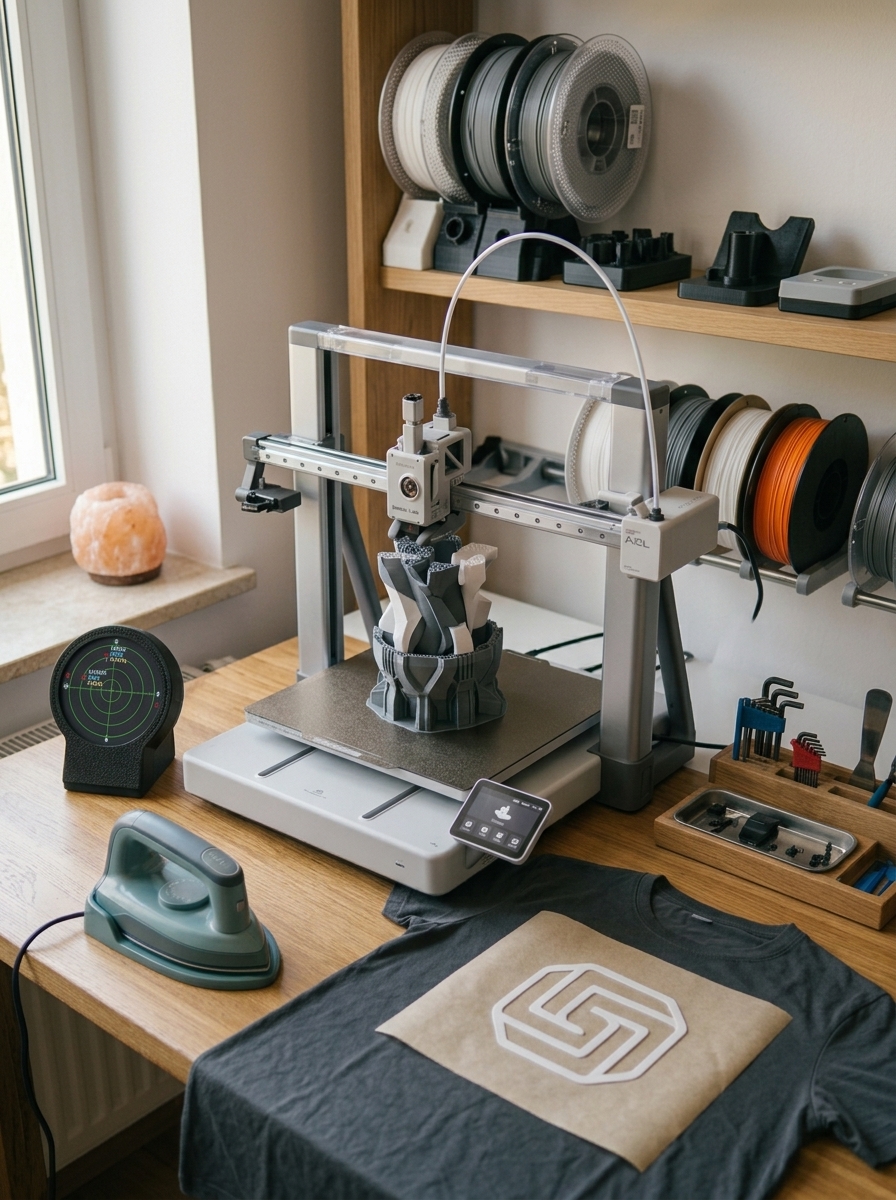
The desk has shifted focus over the last few weeks. The A2L has settled into proper daily use rather than sitting there as a novelty, and it is currently carrying anything that needs the bigger bed. The dual BMCU setup on the A1 is still an ongoing project, but eight colours in a single job is now reliably reachable rather than a lucky outcome, which was the whole point of the exercise.
The interesting new thread this week is TPU. I have started actually testing the iron-on t-shirt transfer method I wrote up recently: print a design in TPU onto baking paper, iron it onto a shirt, no heat transfer vinyl or screen printing gear required. The write-up is getting more attention than almost anything else on the site this month, so if you missed it, it is worth a read: How to Use Your 3D Printer to Make Custom T-Shirt Designs. First cotton test shirt is through its wash cycle as I write this, results soon.
The plane radar project is also done, and it has turned into one of my favourite things on the desk. The ESP32 Plane Radar combines a tiny microcontroller and a round display with live ADS-B aircraft data, and having it sitting there quietly tracking whatever is flying overhead never gets old. It went together cleanly, the parts cost next to nothing, and I liked it enough to print and build a few more, one for the desk and a couple as gifts.
On the radar this week: The LightMake L4 landed with some big claims about solving the multi-colour waste problem using four independent print heads, and ColorSmith, the HueForge creator’s new colour-reduction tool, is worth a look if you have ever found HueForge’s palette step fiddly.
Head to the Projects section for the full build logs, settings, and honest notes on what worked and what did not.
What’s New & Worth Knowing
Printers, tools, and products worth knowing about. Honest editorial from an experienced hobbyist — covering new releases, considered purchases, and anything on the 3D printing radar worth your attention.
-
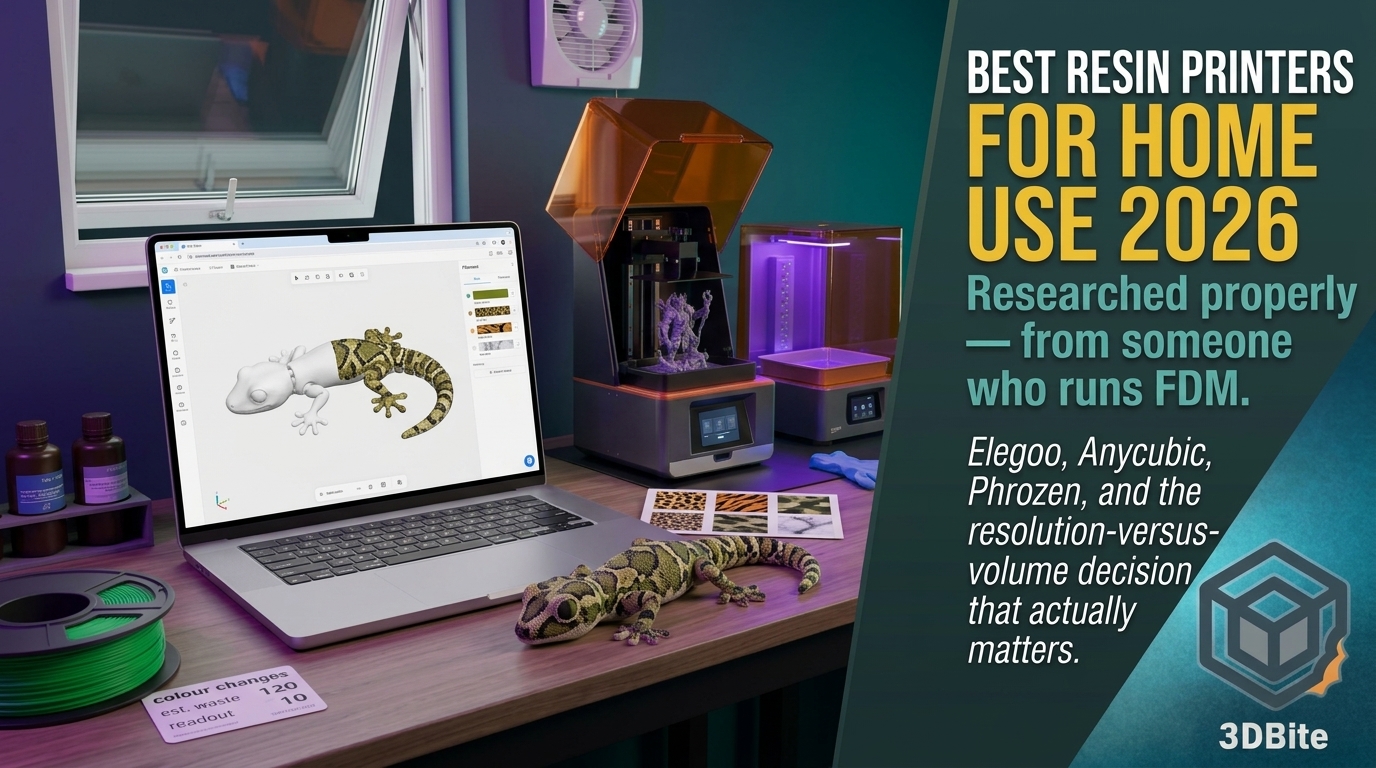
KOGI LAB First Look: A Browser Tool That Paints Procedural Colour Patterns onto Your 3D Prints
Most multicolour printing tools help you place colour where you decide it should go. KOGI LAB takes a different bet: you pick a pattern, it wraps the whole model in it, and you export a 3MF with every colour already assigned. Think gecko skin, camouflage, koi scales, marble, rather than a painstakingly brushed eye here…
-
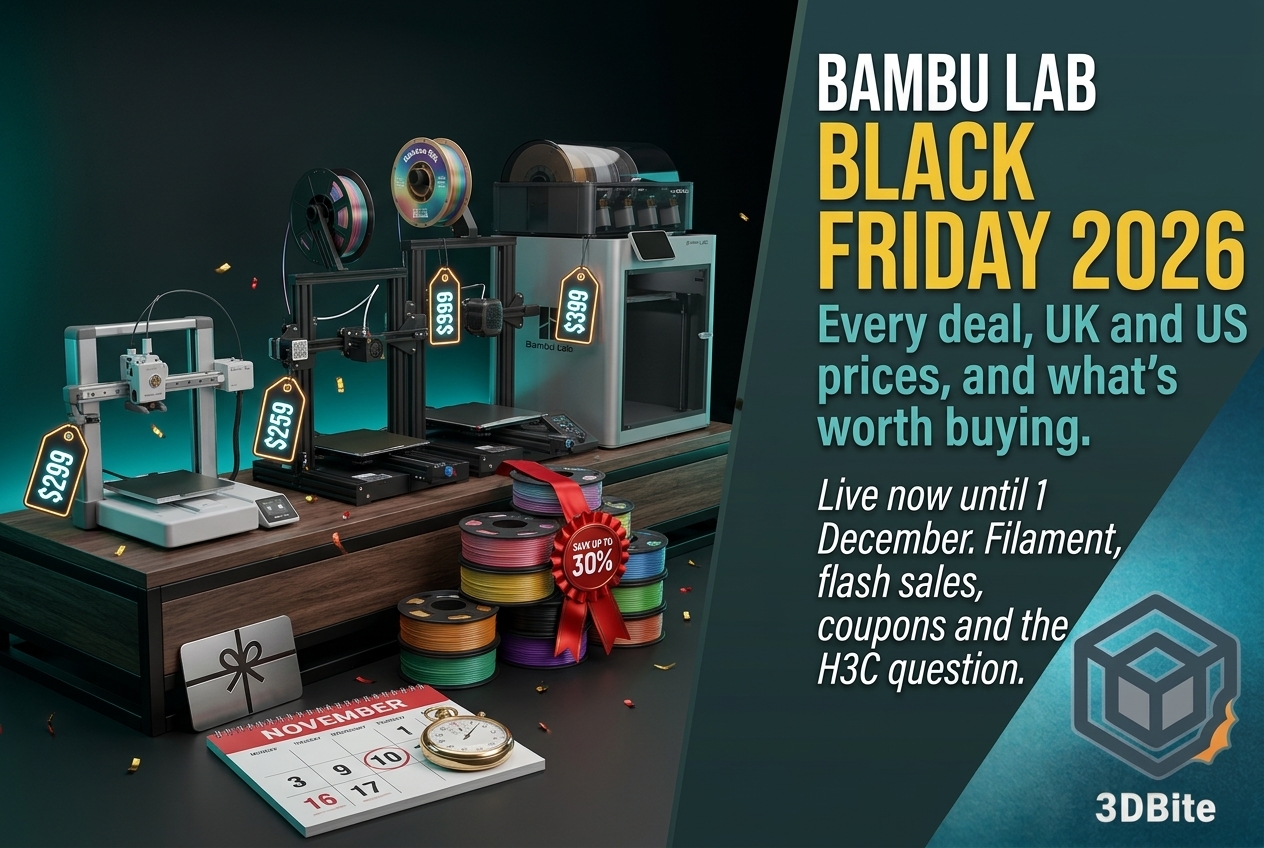
Bambu Lab Black Friday 2026: Every Deal, UK and US Prices, and What’s Actually Worth Buying
Updated 28 October 2026. The sale went live on 27 October and runs to 1 December. Prices can change during flash sales, so always check the official store before buying. Bambu Lab’s Black Friday sale is live, it runs for more than a month, and it has more genuinely interesting deals than usual. The X2D…
-
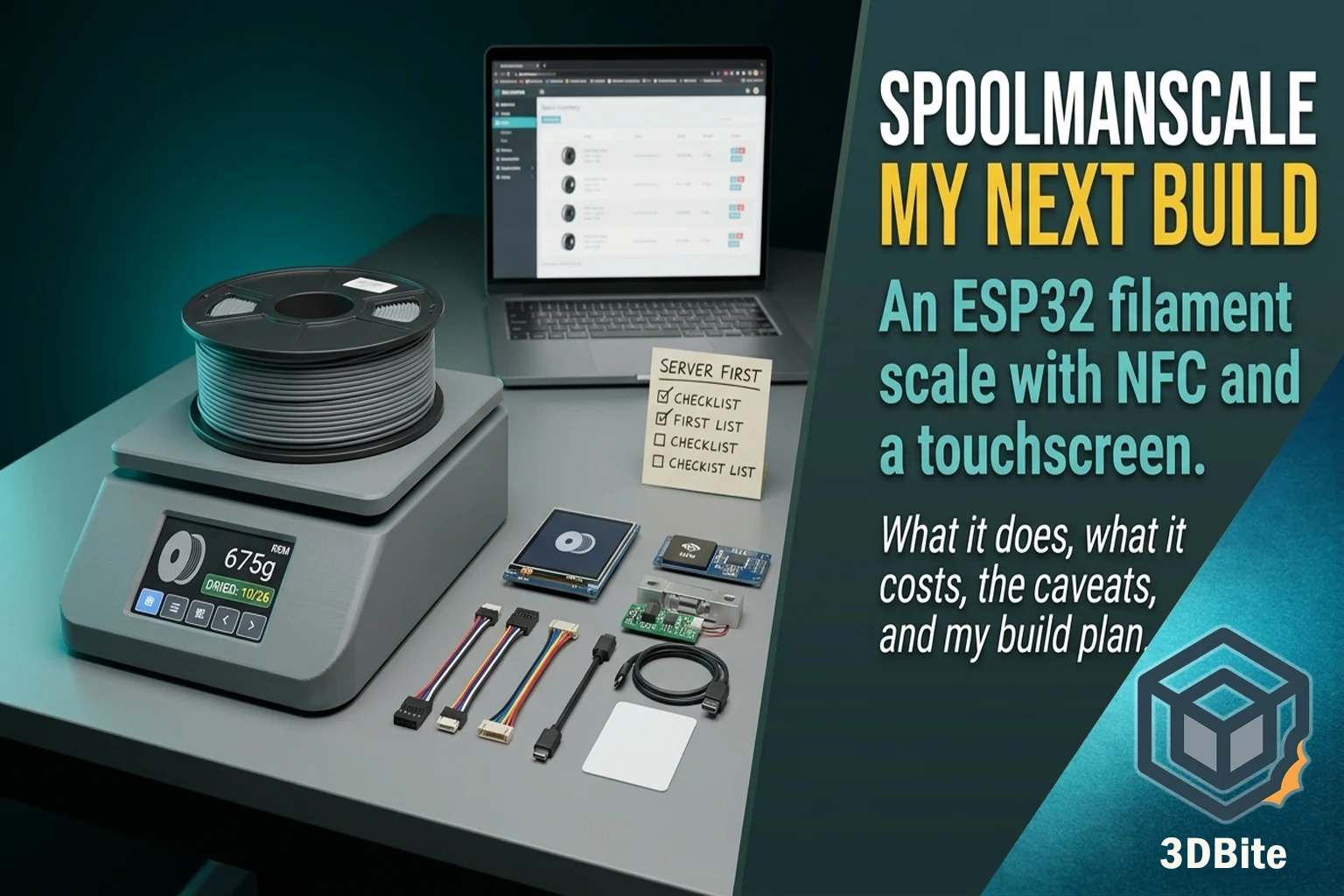
SpoolmanScale: The ESP32 Filament Scale
I have a growing pile of spools, a Spoolman server that knows roughly how much is left on each one, and no good way of keeping the two honest. The numbers in the inventory drift the moment I stop updating them by hand, which is the moment I stop trusting them. SpoolmanScale is the project…
Recent prints from the workshop
A mix of functional home items, small gifts, and experiments. All printed on the A1 unless noted.
-
SpoolmanScale: The ESP32 Filament Scale
I have a growing pile of spools, a Spoolman server that knows roughly how much is left on each one, and no good way of keeping the two honest. The numbers in the inventory drift the moment I stop updating them by hand, which is the moment I stop trusting them. SpoolmanScale is the project…
-
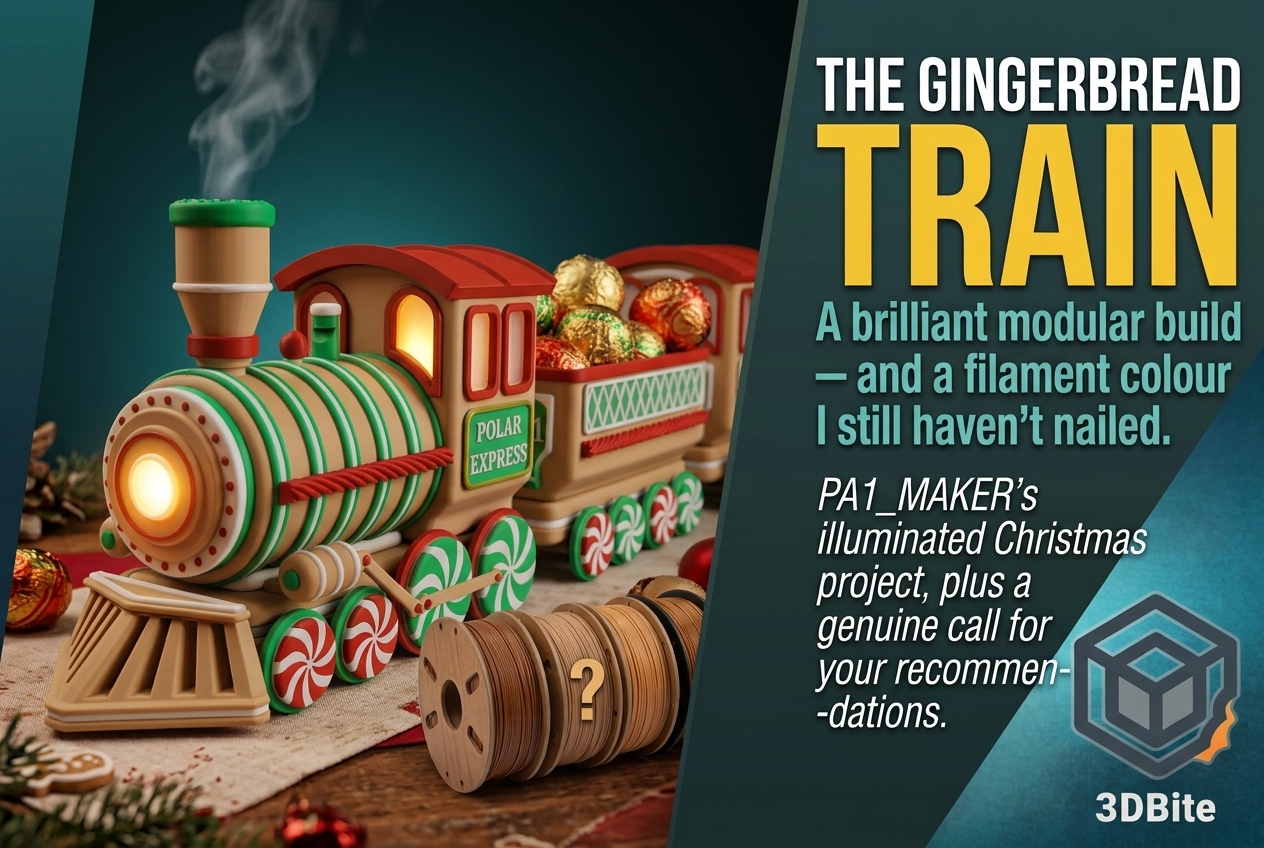
Building PA1 MAKER’s Illuminated Gingerbread Train (Hunting for the Perfect Gingerbread Colour)
The Christmas print queue has properly started, and this year’s first big one is genuinely one of the best-designed seasonal projects I’ve come across — the Illuminated Christmas Gingerbread Train by PA1_MAKER. Yes, it is only September. Last year I ran out of time entirely and ended up rushing a batch of gifts in mid-December,…
-
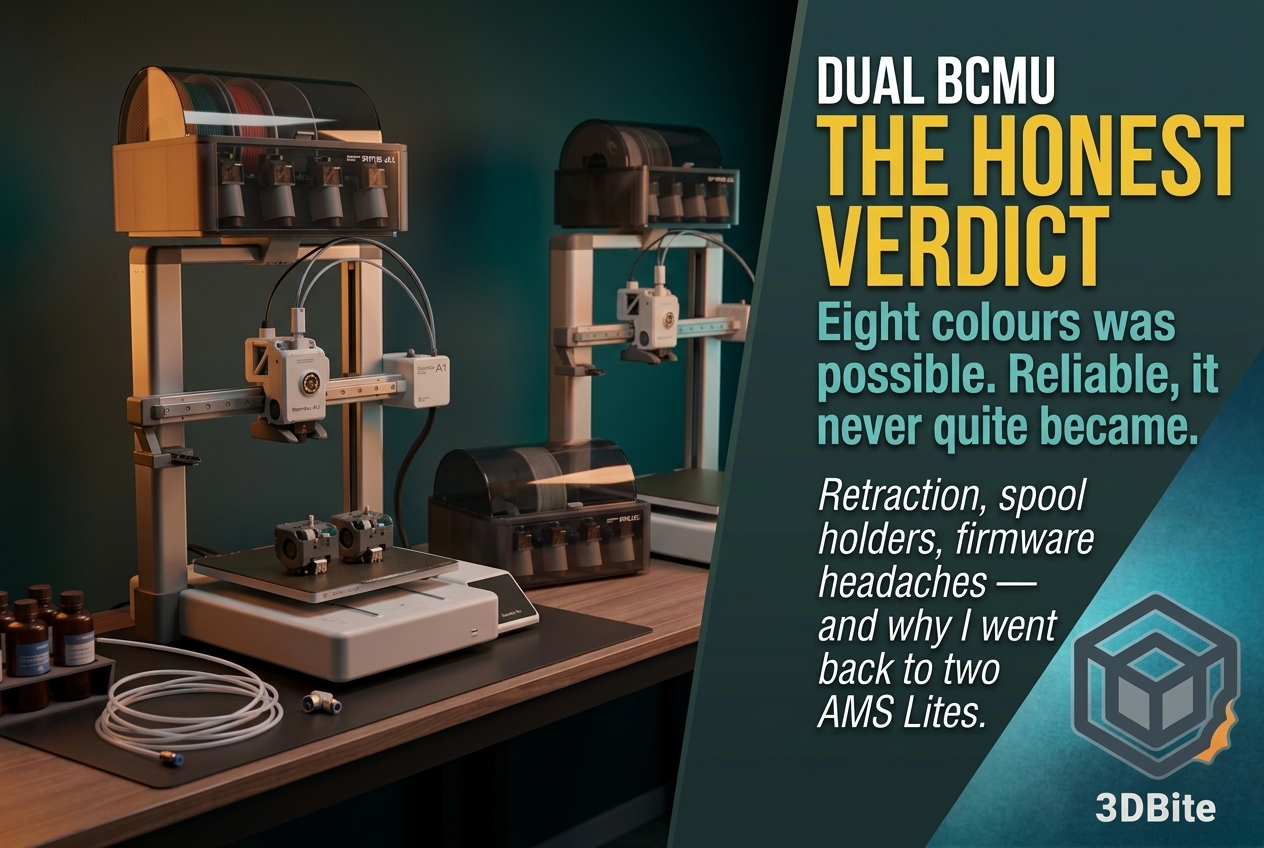
Dual BCMU on the A1, Part 2: The Honest Verdict
The first part of this series ended on a genuinely promising note: two BCMU units flashed with the AMS A and AMS B firmware, the A1 switched from AMS Lite mode to AMS mode, and the printer’s own interface confirming both units were detected and ready. That was the easy part. This is part two,…
Materials I use every day
I print mostly in PLA and PETG. TPU when needed, and resin only when the job requires very fine detail. These notes come from practical use and real results, not datasheet theory.
PLA
Reliable, versatile, and ideal for most home prints. Easy to dial in and great for gifts.
PETG
Tougher and more temperature resistant. Useful for mechanical parts.
TPU
Flexible and fun. Ideal for bumpers, grips, and soft components.
Guides and workflow notes
Short walkthroughs based on real use. Settings that work, slicer approaches that help, and fixes that save time.
-
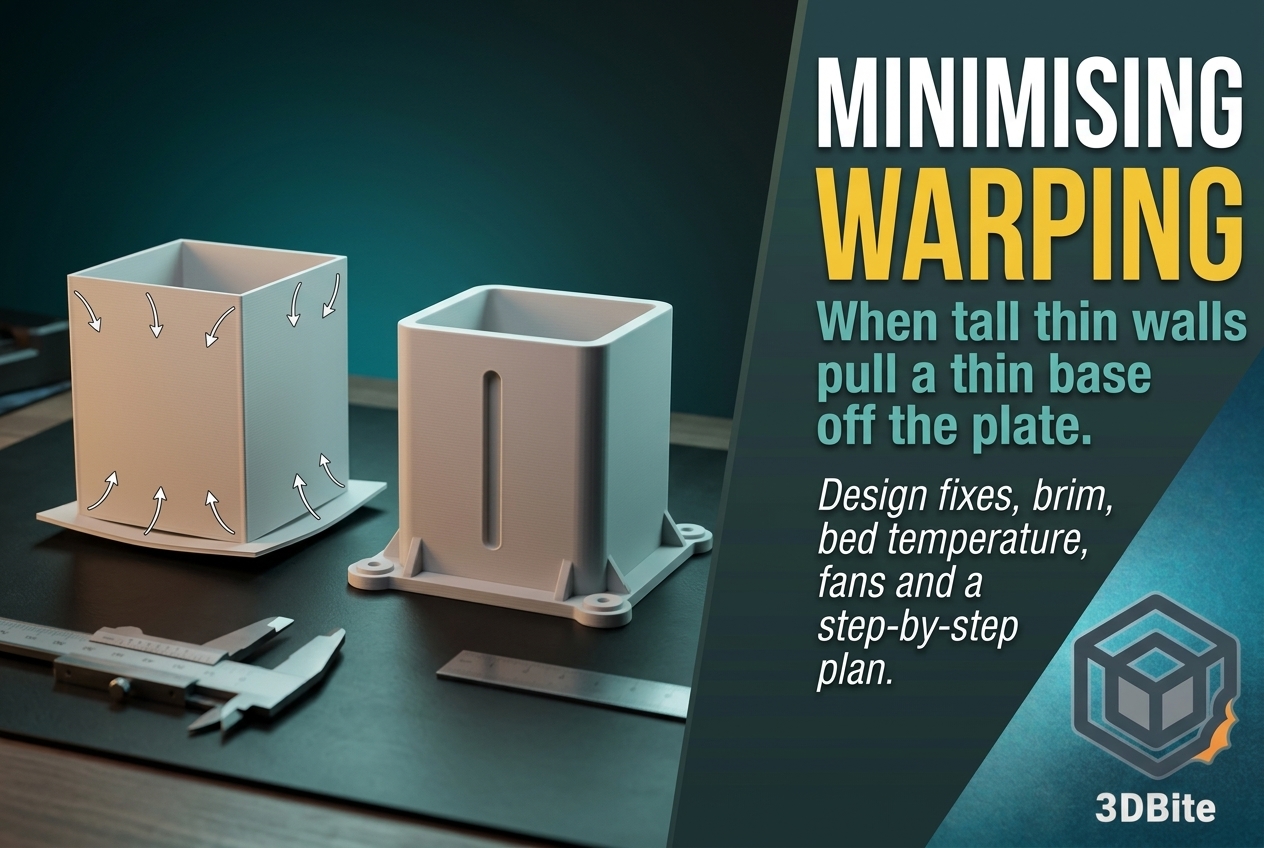
How to Minimise Warping, Including the Thin Base and Tall Walls Problem
Warping is the oldest problem in FDM printing and it still catches people out, partly because the advice for it is usually written for the easy case: a wide, flat part in ABS, fixed with a hotter bed and an enclosure. The case I actually have in front of me is different. I have a…
-
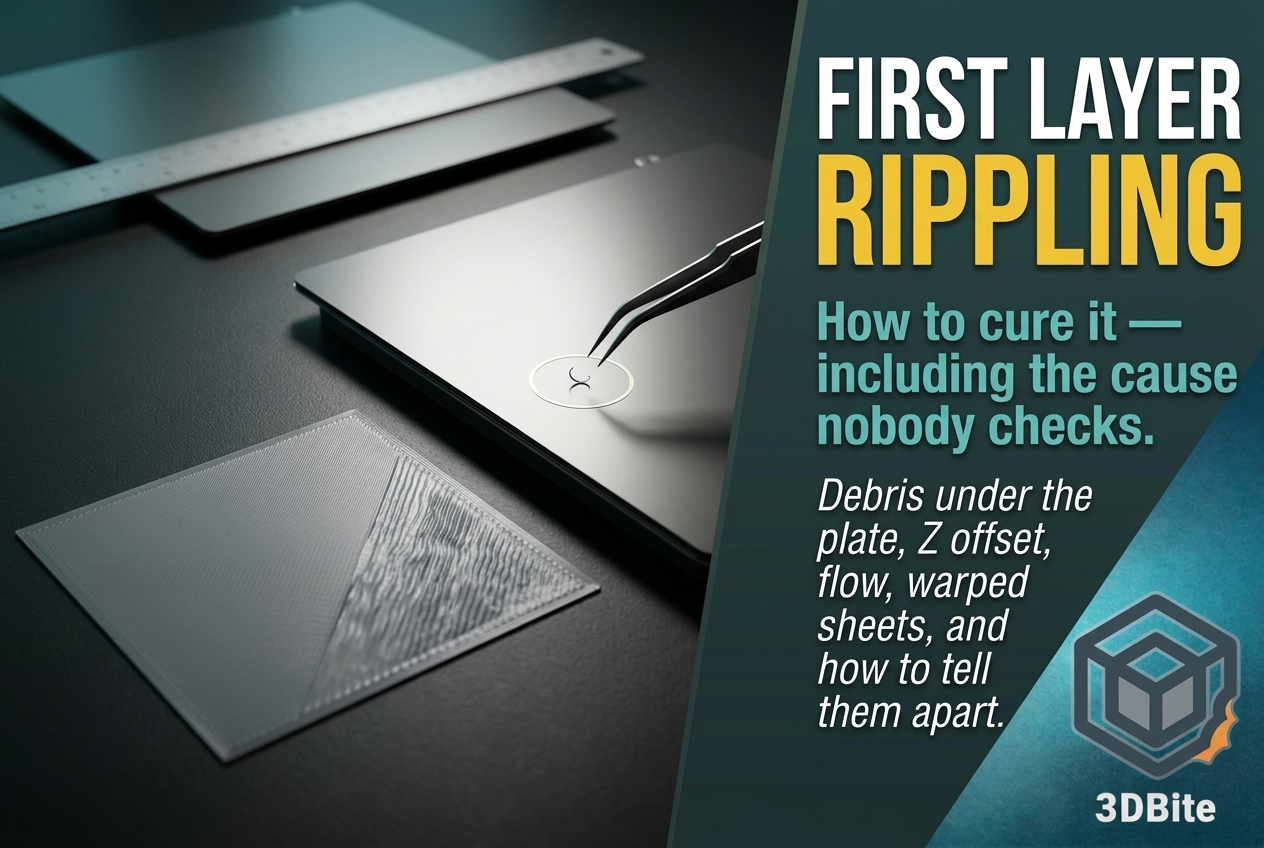
How to Cure First Layer Rippling (Including the Cause Nobody Checks)
I hit first layer rippling for the first time recently, and it took far longer to solve than it should have, mostly because I went through the usual suspects in the wrong order. In the end it came down to a tiny piece of filament trapped under the build plate. That is not a cause…
-
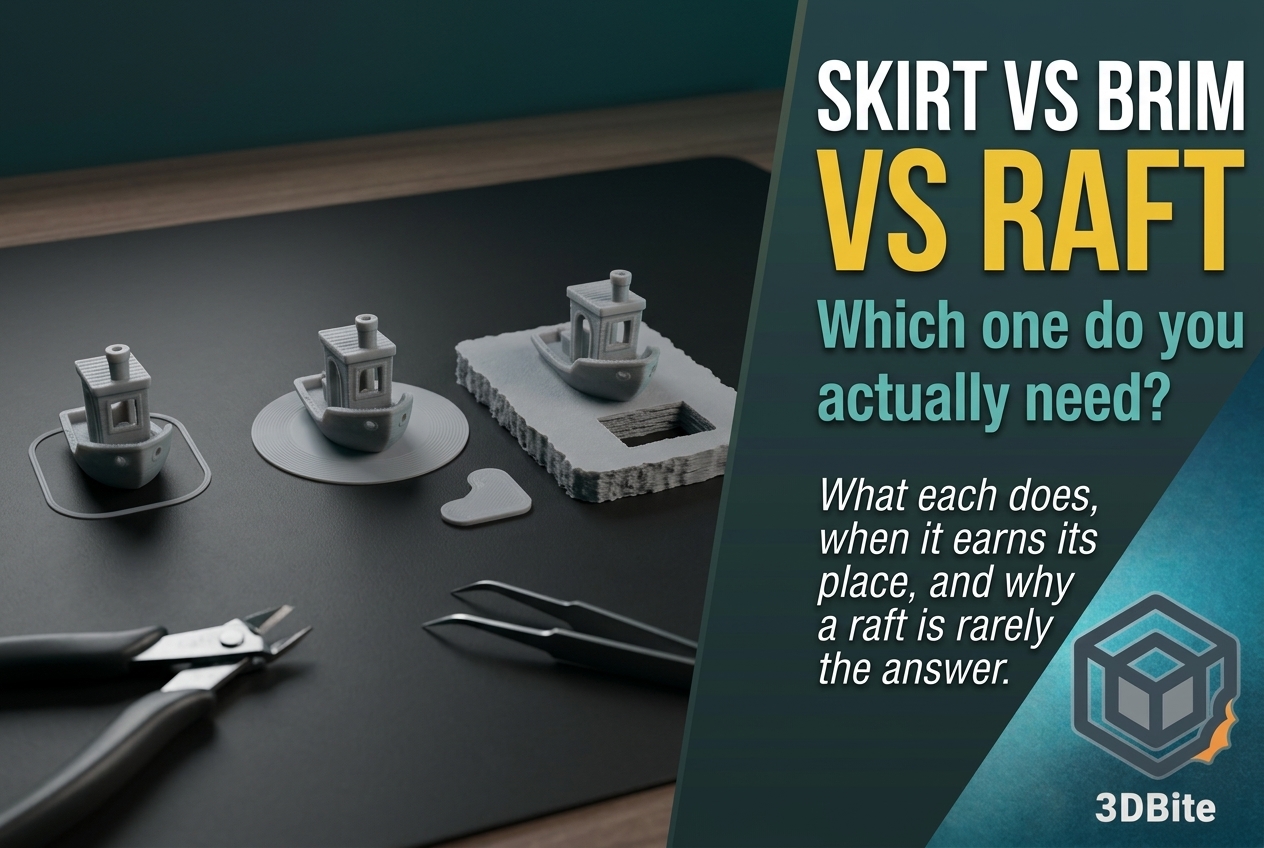
Skirt vs Brim vs Raft: When Do You Actually Need Each?
Skirt, brim and raft sit next to each other in the slicer’s settings and get lumped together as “adhesion helpers”, which is the root of most of the confusion about them. They are three different tools that do three different jobs, and only two of them have anything to do with adhesion at all. Picking…
About 3DBite
I started 3D printing more than fifteen years ago with a kit that needed constant tuning. Modern printers like the A1 make things far easier, but the engineering mindset still helps. 3DBite is where I share the projects, the materials, and the workflow that have worked for me.