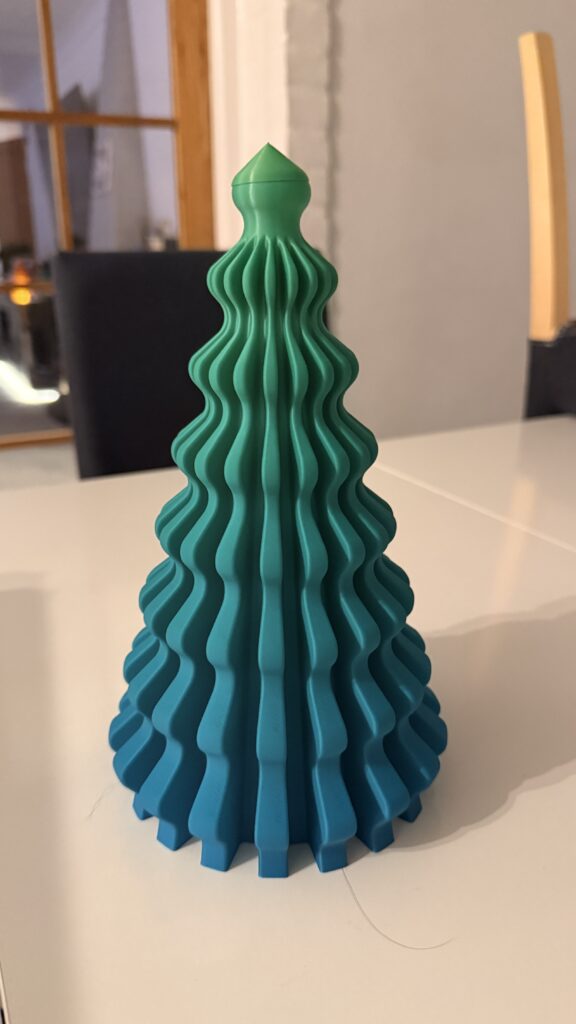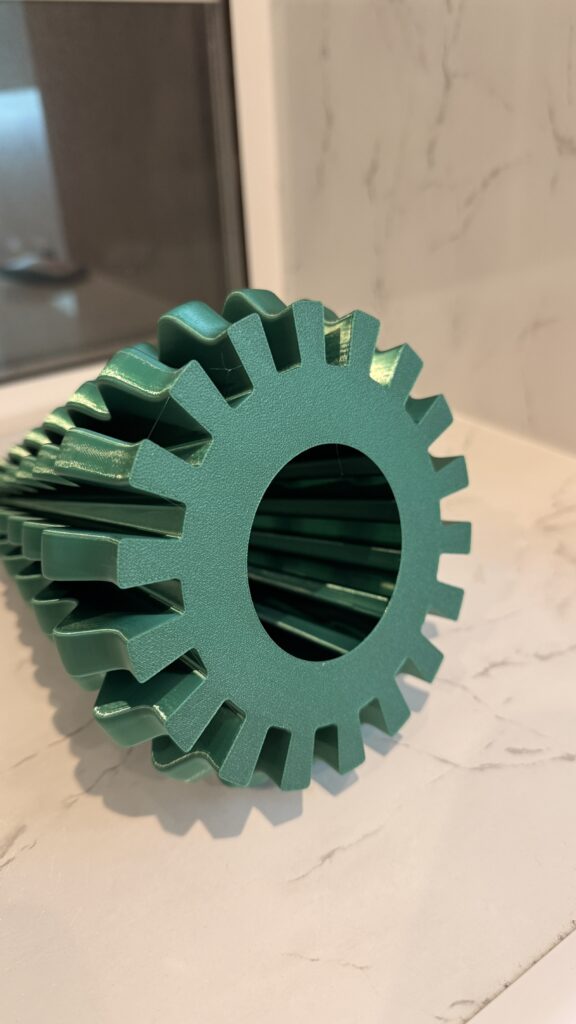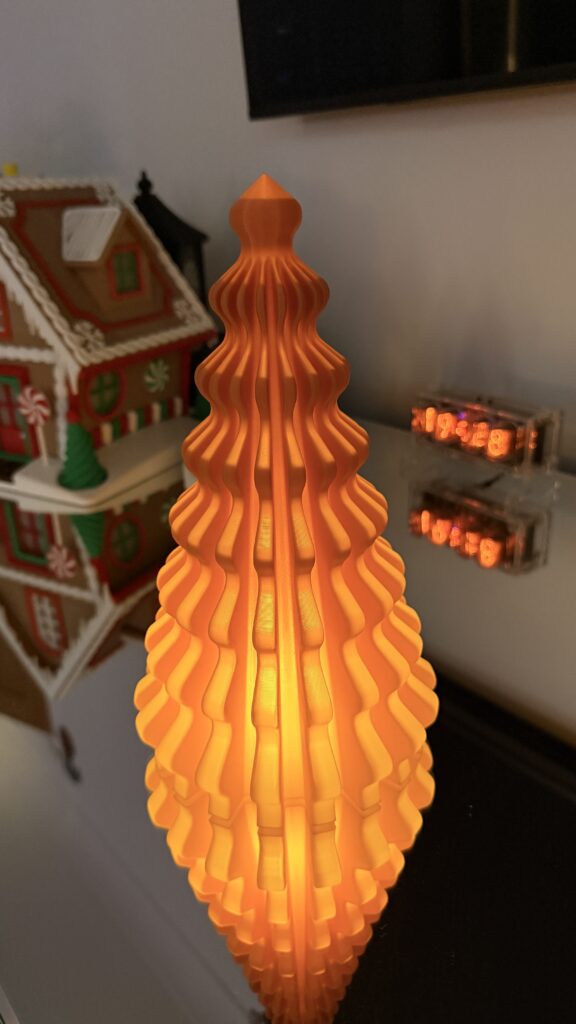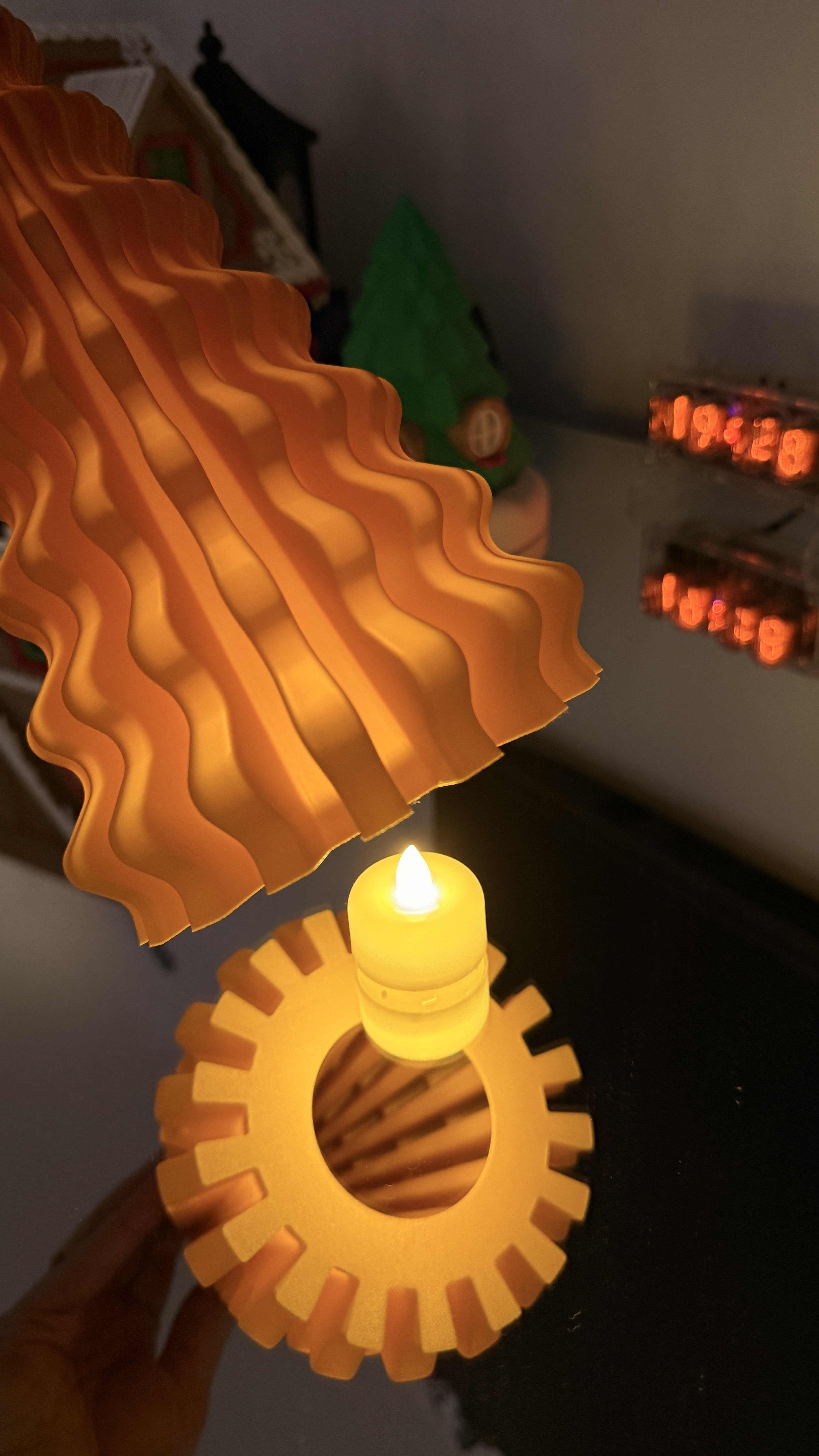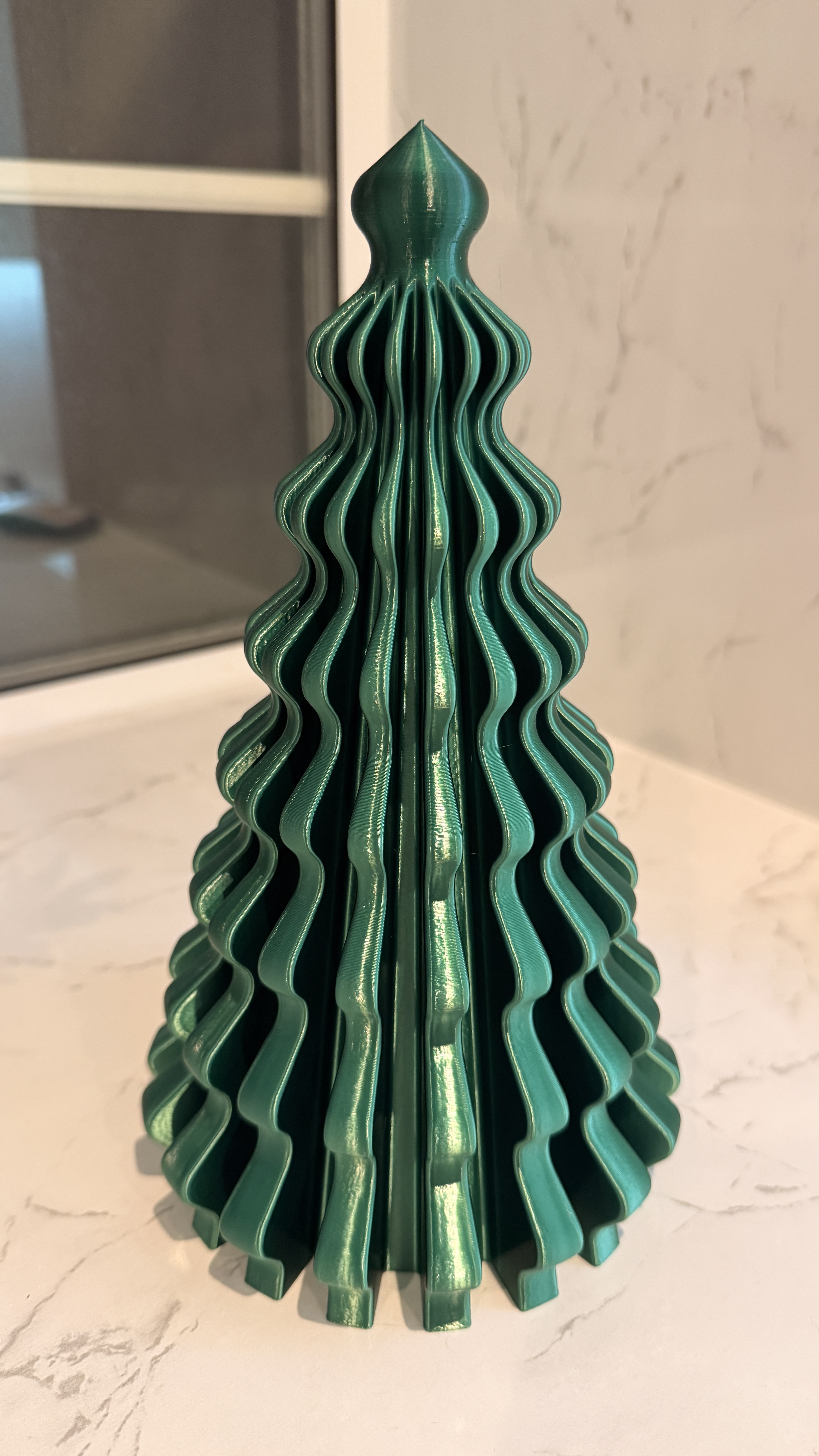
I’d been printing Christmas-related items for five or six weeks straight and wanted something quick, giftable, and cheerful that would not eat through a huge amount of filament. I found these Christmas trees while browsing MakerWorld and thought they would work well as a table decoration. They print in vase mode, which makes them fast, lightweight, and genuinely ideal for giving away — and I’d been looking for a reason to try a rainbow PLA filament that had been sitting unused, which turned out to be exactly the right project for it. This revised version goes considerably deeper into why vase mode works the way it does, exactly what went wrong on the first attempt, and the actual mechanism behind rainbow-effect filament, which the original short version of this post never fully explained.
Model information
Model Name: Christmas Tree Vase Mode V2
Designer: MBRS
Source: MakerWorld listing
This is a clean, clever design optimised specifically for single-wall printing. Vase mode dramatically reduces print time while producing a surprisingly strong spiral wall — a fact worth explaining properly rather than just stating, because it is not obvious why a single continuous 0.4mm-wide wall would hold its own weight and shape at all, let alone stand upright and give away as a gift without any internal support.
Why vase mode actually works
Standard printing builds a model layer by layer, each a complete closed loop, with the nozzle finishing one layer, retracting slightly, and starting the next from a defined seam point. Vase mode — sometimes called spiralize outer contour — abandons that entirely. Instead of discrete layers, the nozzle traces one continuous, unbroken spiral path from the base of the model to the top, with the Z-axis rising gradually and constantly as it goes rather than stepping up in discrete layer increments. There is no seam, no layer transition, no travel move, and — critically — no infill and no top layer, because there genuinely is no top; the “print” never actually finishes a closed layer the way a normal model does.
The structural strength this produces is a direct consequence of that continuity. A normal multi-wall print’s strength comes partly from its walls and partly from the bond between successive layers — the weakest point in any FDM print, as covered in the orientation post. A vase-mode print has no discrete layer bonds at all in the conventional sense; the entire structure is one continuous extrusion, wound into a tight helix. That continuity, combined with the geometric strength of a cone or tapering cylinder shape — exactly the tree geometry used here — is what lets a genuinely thin single wall stand upright and hold its own shape without collapsing, despite using a fraction of the material a walled, infilled version of the same model would need.
Filament used
Brand: Creality CR-PLA Filament
Type: PLA
Colour: Rainbow
Link: Amazon product page
This gave the tree a glossy, ribbon-like look — not quite silk, but genuinely more reflective than standard matte PLA — which suited the decoration perfectly. It is worth being precise about what “rainbow” actually means here, since the dual colour PLA post covers a genuinely different manufacturing technique that shares similar marketing language. Dual and tri-colour coextruded filament has two or more distinct pigments physically present at every point along the strand’s cross-section simultaneously, producing an angle-dependent, dichroic shift as the print is viewed from different directions. Rainbow filament like this Creality spool is a gradient product instead — the pigment itself genuinely changes colour along the length of the spool, so a tall print like this tree shows a smooth colour transition purely because the filament feeding into the nozzle has actually changed colour by the time it reaches a given height. There is no viewing-angle effect here at all; the colour you see at any point on the tree is simply the colour that was being extruded when that section of the spiral was printed. For a design like this, printed tall and continuous in one unbroken spiral from base to tip, a gradient product is exactly the right choice — vase mode is the ideal delivery mechanism for a height-dependent colour change, since the whole print is one continuous vertical run with no seams or repeated passes to disrupt the gradient.
Despite being an unusual material relative to standard matte PLA, this filament behaved well at normal PLA temperatures and delivered a genuinely glossy, ribbon-like finish in vase mode — the continuous, unbroken surface that vase mode produces is, as covered in the silk PLA post‘s discussion of ideal applications for reflective filaments, close to the best possible canvas for showing off a shiny or colour-shifting material, since there are no seam interruptions or wall junctions to break up the visual effect.
Printer and settings
| Setting | Value |
|---|---|
| Printer | Bambu Lab A1 |
| Nozzle | 0.4mm |
| Plate | Textured PEI |
| Process preset | 0.20mm Standard |
| Mode | Vase mode (Spiralize outer wall) |
| Supports | Not required |
| Infill | None (vase mode) |
The model is designed specifically for vase mode, so minimal adjustments were needed out of the box. A slow first layer helps lock down adhesion, especially with a glossier, less matte filament like this one — the same principle covered generally in the first layer troubleshooting post, where adhesion depends on genuine contact area and plate condition rather than the model’s own weight doing any of the work at this early stage.
Slicing notes
| Setting | Detail |
|---|---|
| Orientation | Printed upright exactly as downloaded, scaled to the full height of the A1 build volume |
| Wall loop | Spiral single-wall, no top layers |
| Line width | 0.42mm (default for a 0.4mm nozzle) |
| Flow | Default profile worked for most of the print; the top portion needed speed reduced to 10mm/s after the first attempt failed there |
| Cooling | 100% from layer two |
Vase mode produces a continuous toolpath, so prints are fast and extremely smooth. For this model, the strongest factor in the finished result was the colour and material choice rather than any unusual setting — the mechanical printing itself is genuinely straightforward once the top-section speed issue below is accounted for.
Why the top actually failed, and the mechanism behind the fix
The image below shows the tree printed with the default settings straight from the file. The top failed because print speed was too high and cooling was insufficient specifically for the geometry at that point — worth explaining exactly why rather than just noting that slowing it down fixed it.
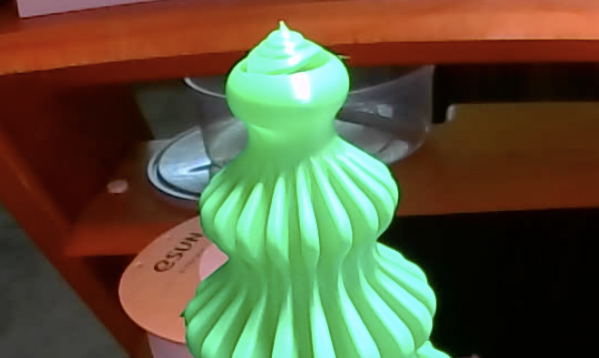
A tree shape tapers to a narrow point at the top, which means the circumference of each successive spiral loop gets progressively shorter the closer the print gets to the tip. At the default print speed, the nozzle completes each of those short top-section loops considerably faster than it completes the wider loops lower down — which means it returns to overlap the previous loop’s freshly deposited, still-molten plastic before that plastic has had anywhere near enough time to cool and solidify. This is exactly the same underlying physics covered in the bridging post and the heat creep post — heat accumulating faster than the cooling system can remove it, except here the accumulation is happening because the geometry itself is shrinking rather than because of ambient temperature or a hotend limitation. The plastic at the tip never gets the chance to properly set before the next pass arrives, and the whole top section collapses into the blobby, uneven mess visible in the photo above.
Reducing the top-section speed to 10mm/s directly addresses this by giving the fan considerably more dwell time per loop as the circumference shrinks — slower speed means more seconds of cooling airflow per millimetre of plastic deposited, which is precisely the mechanism the part-cooling fan relies on throughout the whole print, just needing to be deliberately compensated for here because the geometry itself was working against it. Both Bambu Studio and OrcaSlicer support height-based or feature-based speed overrides specifically for this kind of situation — rather than slowing the entire print down, only the narrowing top section needs the reduced speed, keeping the overall print time close to what a full-speed run would have taken while still fixing the actual failure point.
Print time and material usage
| Metric | Value |
|---|---|
| Print time | Approximately 3 hours |
| Material usage | Around 80 grams |
| Estimated cost per tree | Roughly £1.10-£1.20 depending on filament price (mine was bought on sale) |
Results
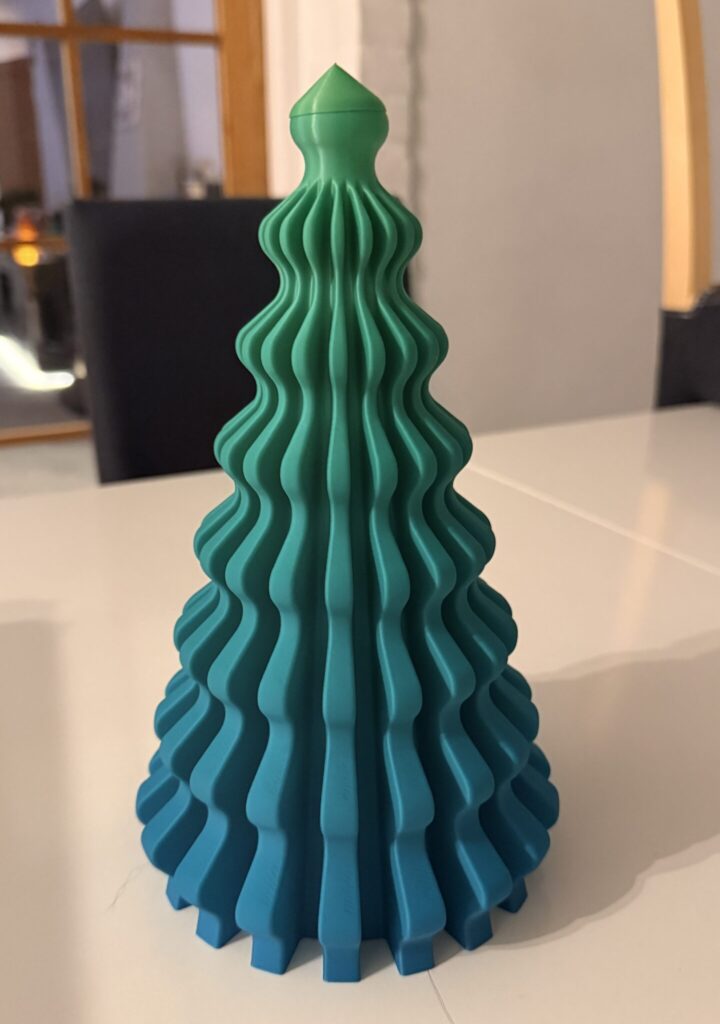
This filament produces a genuinely shimmering, metallic ribbon effect that works well for a decorative print. Vase mode produced a flawless exterior with no visible layer seams, and the model is lightweight but sturdy enough to stand upright without extra support once the top-speed fix above was applied. The gradient’s colour transition — running from one hue at the base to a completely different one at the tip — reads clearly and cleanly precisely because vase mode gives it one uninterrupted surface to display across, with none of the seam or wall-junction interruptions that would break the gradient up on a conventionally sliced print.
As a Christmas gift, these print quickly enough to batch produce for friends, colleagues, or events — three hours and 80 grams per tree makes a batch of six a genuinely manageable overnight or weekend job rather than a major undertaking. A pair of these went straight onto the dinner table that Christmas.
What I would change next time
Trying a larger version with a 0.6mm nozzle for thicker, bolder walls is worth testing — a wider extrusion width would show off the rainbow gradient at a larger scale while still relying on the same single-wall structural logic. Trying a different single-colour silk filament rather than the gradient rainbow used here would test the material comparison directly, since the silk PLA post’s discussion of vase mode as close to the ideal application for reflective filament applies just as well to a plain silk colour as to a gradient one. Adding an opening at the bottom to allow a battery-powered light to illuminate the tree from inside is a genuinely appealing follow-up — the same thin, translucent single wall that gives the tree its glossy look would likely glow attractively with a light source inside it, similar in principle to the light-transmission logic covered in the HueForge post, just applied to a single continuous colour-shifting wall rather than a deliberately layered image. And finding a set of tiny string lights to wrap around the outside would add a further decorative layer without needing to modify the print itself at all.
Gallery