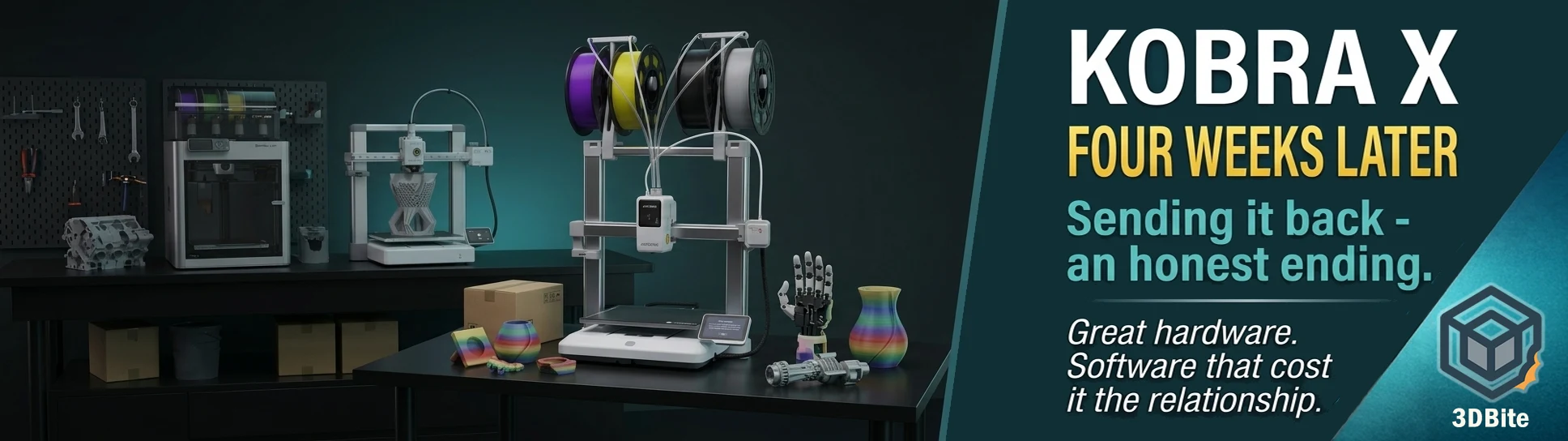
The Kobra X is going back. I want to be very clear about what this post is and what it is not before saying another word. It is not brand bashing. Anycubic has a strong and loyal community, many of whom are getting excellent results from their machines, and I respect that. There are glowing reviews of the Kobra X from credible sources — Tom’s Hardware gave it an Editor’s Choice, real users are printing complex multi-colour models with good results. I wanted this machine to work out, I put what I consider significant effort into making it work, and I did not succeed. Whether that is the machine’s fault, my expectations, my workflow, or simply bad luck with my specific unit is a question I cannot definitively answer.
What I can tell you is that four weeks of trying has produced very few prints I am satisfied with and far too many failures, errors, and hours spent troubleshooting rather than printing. The A1 is sitting twelve inches to the left of the Kobra X, printing flawlessly with zero intervention, and the contrast has become impossible to ignore. For the way I use 3D printing — as a hobby where spare time is genuinely at a premium — a machine that demands constant attention is a machine that is not working for me.
The week one summary, revisited
The week one post documented the initial frustrations honestly: AnycubicSlicerNext crashing approximately twelve times during model slicing, filament loading fussiness, and error recovery that terminated jobs rather than pausing for user intervention. The expectation at that point was that these were settling-in issues — early teething problems that updates would address and familiarity would resolve. Four weeks later, that expectation has not been met.
The slicer situation improved slightly but not substantively. Crash frequency reduced from approximately twelve in the first week to fewer per week thereafter, but the crashes did not stop. A slicer that crashes during slicing is a slicer that cannot be trusted as the primary tool in a workflow. It has remained that. I switched to OrcaSlicer 2.4.0 Alpha with the community Kobra X profile as covered in the OrcaSlicer update post, which helped with stability but introduced its own profile calibration work that the AnycubicSlicerNext profiles — even broken — had at least partially pre-done.
The purge volume problem
This is the issue that has caused the most visible print quality problems and the most time lost to failed multi-colour jobs. The default purge volumes in AnycubicSlicerNext are, as far as I can establish from my own testing and from community posts, significantly too conservative. Not slightly off — meaningfully wrong in a way that produces visible colour banding on multi-colour prints. The previous colour bleeds into the next because there was not enough purge volume to flush the contaminated filament cleanly.
The irony here is meaningful. The Kobra X’s headline claim — the ACE Gen 2 architecture with its 10mm cutter-to-nozzle path reducing purge waste by 81.25% — is valid in principle. The short path does reduce the volume of material that needs to be flushed per colour change. But when the default purge volumes in the slicer are set so conservatively that the colour change is not completing cleanly, increasing those volumes to where they need to be to produce a clean result naturally offsets the saving. In practice over four weeks of printing, the waste-per-print differential between the Kobra X and the A1 has been far smaller than the benchmarks suggested — and the time saving on the same multi-colour print measured at approximately 15 minutes over a five-hour job. Not nothing, but significantly less dramatic than the 10-hour saving on a 776-swap benchmark print that I had been using as the reference data.
The community workaround — reduce purge volume to 35mm³ for PLA-to-PLA changes, down from the AnycubicSlicerNext default of 55mm³ — sounds counterintuitive given that my prints were showing colour bleed. That community note, from the OrcaSlicer-using Kobra X user base, applies specifically to OrcaSlicer’s default which starts higher. The AnycubicSlicerNext default is different again and appears to have inconsistency between the minimum purge volume and what the ACE Gen 2 actually needs to clear a colour change cleanly. Getting these numbers right requires empirical testing per colour pair — work that should have been done before the printer shipped with its slicer profiles. It was not.
Mysterious layer failures
This is the problem that most frustrated me and that I have least resolution on. On several prints, the output contains what appears to be a layer skip — a visible gap or shift in the print at a specific height, as if a layer or several layers were missed entirely. The confusing element is that the slicer preview shows no such anomaly. The model slices correctly. The layer preview shows clean, continuous layers. The print produces a defect that does not appear in the preview.
My initial hypothesis was a model or slicer issue, but the same defect on different models rules that out. A second hypothesis was an extruder fault — a momentary underextrusion or feed problem — but the repeatable nature of the defect and the fact that it occurs at the same type of point on different jobs makes a hardware fault less convincing. Some community members have suggested this type of defect on Anycubic machines can be related to the Z-axis lead screw binding or to an inconsistency in the firmware’s Z-hop behaviour during colour changes. I have not been able to confirm this for the Kobra X specifically.
If anyone recognises this failure mode from their own Kobra X experience, a comment below would be genuinely useful — not just for me, but for anyone else who hits this and is working through it.
The ecosystem and workflow reality
One assumption I made before the Kobra X arrived that turned out to be incorrect: that switching a print between the A1 and the Kobra X would be a simple matter of opening the same file in each printer’s respective slicer. In practice, the slicers and printer profiles are different enough that a file optimised for the A1 needs meaningful adjustment before it will produce a clean result on the Kobra X. Not just a printer selection change — profile-level differences in temperature, retraction, pressure advance, and the ACE Gen 2 specific settings for colour changes. The result is that I now have two sets of 3MF files for recent multi-colour projects, one tuned for each printer. This is a workflow overhead I did not anticipate and it reduces the two-printer benefit considerably.
This is not unique to the Kobra X — any two machines from different manufacturers will have this friction. But it is worth being explicit about because the mental model of “same file, two printers, double the output” is not the reality of operating two machines from different ecosystems simultaneously.
The spool management issue with top-mounted spools is an additional practical frustration that I have not seen prominently covered in reviews. The top-mounted ACE Gen 2 system creates vibration on the spools during printing, and over a long print, loose filament gradually unwinds from the spool, creating a slack loop in the feed path that can cause tangles. There are printed solutions for this available in the community — spool hold-down clips that add light friction to prevent free unwinding — but this is the kind of thing that should not require a community fix. It is a known behaviour with the top-mounted spool architecture that Anycubic has not addressed natively.
The random errors
“An issue occurred. Please restart the device manually.” This error has appeared on multiple occasions without a preceding event that explains it — not during a filament change, not during a detectable mechanical event, just mid-print with no further information. On one occasion it appeared on a reprint of something that had already printed successfully. The printer provides no diagnostic information beyond the message. Anycubic’s firmware update history does document fixes for various error conditions — including fixes for unexpected exit from the printing interface and issues with gcode file download — but the specific error I am seeing is not clearly addressed in the changelog. Filament loading errors have also appeared with more regularity than I would expect from a machine in routine use.
What the wider community says
My experience is not the consensus view of the Kobra X. The machine has received Editor’s Choice recommendations from credible publications and many community users are getting good results. The ecosystem less mature than Bambu caveat appears in almost every review, but most conclude that the hardware capability at the price justifies the software limitations.
The community quote that resonates most with my experience comes not from Kobra X specifically but from the broader Anycubic community and captures the divide clearly: buy Anycubic if you want to spend all of your time with the 3D printer; buy Bambu if you want to spend all your time with the 3D prints. That framing, from a community member who upgraded from an Anycubic to a P1S, is exactly the dynamic I have been living for four weeks. It is not that the Anycubic machines are bad — many users are getting impressive results. It is that getting those results requires a degree of tinkering investment that I am not willing or able to make given the time I have available for this hobby.
The maturity gap is also documented in the firmware reality. Rinkhals, a custom firmware overlay for the Anycubic Kobra range that adds features such as Mainsail access, native OrcaSlicer, and Klipper customisation, does not officially support the Kobra X as of March 2026. The Kobra X is too new to have the community firmware alternatives that give experienced Anycubic users more control over older machines. It is sitting in the gap between “new enough to have the ACE Gen 2 hardware” and “mature enough to have the community toolchain that makes Anycubic machines work reliably for experienced users.”
Hardware quality: the one consistent positive
There is one thing I will not take back from the initial unboxing assessment: the Kobra X is well built. The gantry is solid and rigid. The frame does not flex. The build quality is genuinely impressive for the price point. When it produces good prints — which it has done, just not often enough — the results are clean and the ACE Gen 2 colour change mechanism works exactly as described when the slicer settings are right.
The hardware is not the problem. The hardware is, if anything, the best part of the machine. The problems are in the firmware, the slicer default profiles, and the ecosystem maturity that surrounds the hardware. All of those are software problems, which means all of them are theoretically fixable with updates and time. If Anycubic invests in the slicer quality and firmware stability that the hardware deserves, the Kobra X could be an excellent machine in six months. Right now, in the unit I had, it was not that machine yet.
The honest verdict
The Kobra X at £234 on discount is genuinely remarkable value for what the hardware specification offers. The ACE Gen 2 architecture is clever and when it works correctly it does reduce purge waste and speed up colour changes compared to the AMS approach. For a patient user who enjoys the process of dialling in a machine and is not coming from two years of Bambu’s polished workflow, the Kobra X could be an excellent purchase. For someone who is not a patient tinkerer, who has a working Bambu machine for comparison, and who is primarily printing as a hobby rather than as an engineering project, the gap between the Kobra X experience and the Bambu experience is significant enough to matter.
I am in the second category. I may be too accustomed to the Bambu way of doing things. I may have had unusually bad luck with the specific unit. Both of these things could be true. What is also true is that after four weeks I have fewer usable prints than I expected and significantly more frustration than I was willing to accept. The machine is going back.
What comes next
The Kobra X experiment has not killed the two-printer idea — it has clarified what the second printer actually needs to be. The experience has confirmed that a second machine from a different ecosystem adds workflow overhead that partially offsets the practical benefit of two printers. The second machine that would genuinely add capability without that friction would be a second Bambu machine — specifically something with greater build volume and ideally improved multi-colour efficiency.
The H2C addresses both problems within the Bambu ecosystem but requires a significant budget commitment that is currently hard to justify. The A2L addresses the build volume problem at a more accessible price, and having been somewhat underwhelmed by the initial A2L announcement, I find myself reconsidering it specifically as a large-format single-colour machine now that the Kobra X experiment is over. More on that in a dedicated post.
The right second machine is, nor now, a Bambu machine. The Kobra X taught me that at a cost of four weeks and considerable frustration. That is not nothing, but it is more useful than no answer at all.
If you have had a different experience with the Kobra X — better, worse, or just different — I genuinely want to hear it in the comments. My experience is one data point and the community consensus on this machine is more positive than my personal experience. If you think you know what the layer skip defect is, specifically, that would also be very useful to hear. No brand loyalty required — just honest experience.