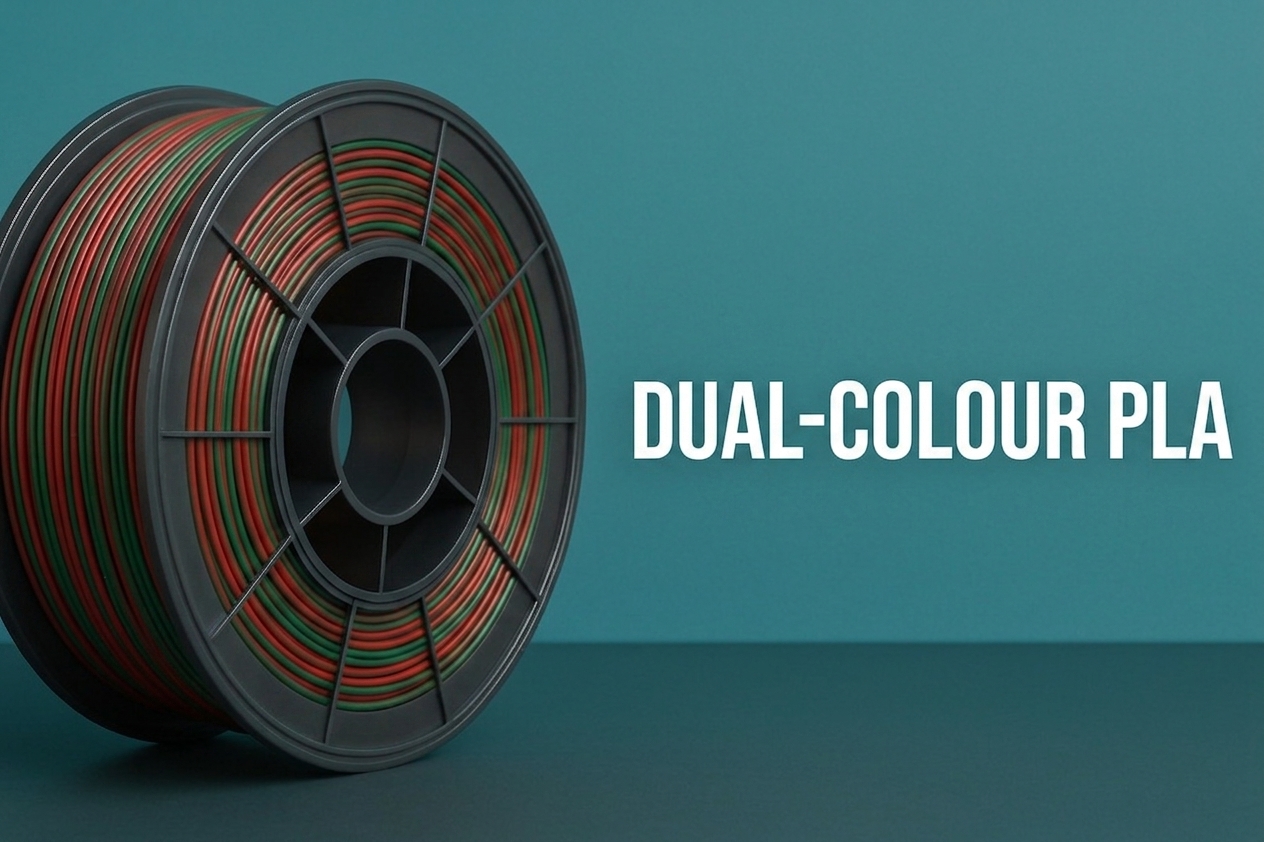
Dual colour PLA is a single strand of filament with two distinct colours built into its cross-section — not a colour that changes along the length of the spool, but two colours running side by side the entire way through it, so that both are present at every single point along the strand. Print with it and the surface of your model shifts between the two colours depending on the angle you are looking from, producing a genuinely dynamic, iridescent effect on a single-nozzle machine with no AMS, no colour swaps, and no purge waste at all. It is one of the more interesting filament categories to have matured properly in the last couple of years, and it is worth understanding both what it actually is and what it genuinely is not, because the two get confused constantly.
How it is actually made: coextrusion
The manufacturing process behind this is called coextrusion, and it is genuinely different from how a rainbow or gradient filament is made. Two separate streams of pigmented PLA are extruded simultaneously through the same die, merging into a single strand where each colour occupies a fixed region of the cross-section rather than blending into one uniform shade. Cut a short piece off a dual colour spool and look at the end, and you will see exactly how the manufacturer has split it — typically side by side, or occasionally top to bottom, with a clean boundary between the two regions running the entire length of the filament.
Because both colours are physically present at every point along the strand, the nozzle is always depositing both colours simultaneously as it extrudes — there is no switching, no purge, nothing for the printer’s firmware to manage differently from a standard single-colour spool. What determines which colour is visible on the finished surface is simply which side of that cross-section happens to be facing outward, toward the model’s exterior, at any given point in the print. That is the entire trick, and it is why the effect is angle-dependent rather than something you can lock into a specific, controllable pattern the way you can with genuine multi-material printing.
Dual colour is not the same thing as rainbow or gradient PLA
This distinction gets muddled constantly in filament marketing, and it is worth being precise about it before buying either category expecting the other. Rainbow or gradient PLA changes colour along the length of the spool — the pigment itself shifts gradually over a run of several metres, so a tall vase printed from bottom to top will show a smooth colour transition purely because the filament feeding into the nozzle has genuinely changed colour by the time it reaches the top of the print. This produces a gradient effect and nothing about viewing angle matters at all — the colour you see is the colour that was actually extruded at that height, full stop.
Dual colour (and tri and quad colour) coextrusion is doing something structurally different. Both colours are present at every single point along the strand simultaneously, and what changes is not which colour is being extruded but which colour happens to be facing the viewer once it is printed. This is why the effect is described consistently as dichroic or iridescent rather than a gradient — tilt the model, or walk around it, and the colours flip and shift depending on the surface normal relative to your eye, in a way a gradient filament’s fixed, height-dependent colour never does.
What actually determines the visible pattern on a finished print
This is the part that trips people up on their first dual colour print, and it is worth understanding properly rather than treating the result as random. The visible colour pattern on the finished model is a direct consequence of the cross-section orientation as the filament is deposited — which side of the strand’s colour split happens to be facing outward on any given wall. Because that orientation is set by how the filament happens to be rotating as it feeds through the extruder, the pattern is not something you can precisely design or predict down to the millimetre. It is something you influence and encourage rather than control outright.
Z-seam positioning genuinely matters here in a way it rarely does for single-colour prints. Leaving the seam in a fixed, aligned position rather than scattering it randomly keeps the colour pattern consistent around the model rather than introducing an unpredictable jump at a moving seam location — the sharpest-corner seam setting, covered in the Z-seam guide, is the sensible default here for exactly this reason. Slightly cooler printing temperatures, toward the lower end of the material’s normal range, reduce colour mixing inside the hotend’s melt zone, which keeps the two-tone split cleaner rather than letting the boundary blur into a muddier transitional shade. Coasting, which stops active extrusion slightly before the end of a printed line, helps here for the same reason it helps with stringing — it reduces the amount of filament wasted and mixed right at line transitions.
Vase mode is where coextruded filament produces its most consistent and striking result, and this comes up repeatedly across community sources. The continuous, single-wall, uninterrupted surface that spiral vase mode produces gives the colour split the cleanest possible canvas to show off on, without the seam transitions and wall junctions that a normal walled print introduces. Simple, faceted geometry — vases, faceted lampshades, geometric shells with distinct flat faces — tends to produce the most visually striking result, since each individual facet can genuinely present a different dominant colour depending on its specific angle relative to the viewer, producing exactly the “dynamic multifaceted diamond” effect the community consistently describes.
One genuinely unavoidable quirk worth knowing about before you print a long job: the filament can occasionally rotate slightly as it feeds off the spool, even on a well-wound one, and this introduces an abrupt colour shift at the exact point where the rotation happens — a jump that the slicer has no way to predict or compensate for, since as far as the slicer is concerned it is printing a single, uniform-colour material the entire time. This is a manufacturing and physical-feed characteristic rather than a settings problem, and it is worth accepting as part of the material’s inherent unpredictability rather than something to chase down as a fault.
Print settings otherwise stay close to normal
Beyond the seam, temperature, and coasting adjustments above, dual colour PLA prints very similarly to standard PLA — no special nozzle requirement, no unusual bed temperature, no meaningful difference in speed capability. If the filament also carries a silk finish, which a large proportion of dual and tri-colour coextruded filament does, the silk-specific settings covered in the silk PLA post apply on top — slightly higher temperature for proper layer fusion, moderated cooling to preserve the shine, and a wider line width to show off the reflective surface. Many of the most visually striking dual and tri-colour products on the market combine the coextrusion effect with a silk finish specifically, since the reflective surface amplifies how dramatically the colour shift reads at different angles.
Tri and quad colour: the same trick, more colours in the same strand
Tri-colour coextrusion takes the identical manufacturing concept and adds a third pigment stream to the cross-section, producing a strand capable of presenting three distinct hues across the same surface depending on how the cross-section happens to be exposed at any given point. Quad-colour variants exist too, pushing to four regions in the cross-section. The printing considerations are the same as dual colour throughout — same seam sensitivity, same benefit from vase mode and faceted geometry, same slight unpredictability from filament rotation on the spool — just with more colour possibility packed into the same physical trick. More colour streams generally means a more complex, busier visual effect, which suits some models brilliantly and can look chaotic on others; a simple two-tone flip on a clean, minimalist vase often reads more elegantly than a four-colour cycling pattern would on the same shape, so more colours is not automatically the better choice for every project.
What this is good for, and what it is not
This is squarely a decorative, display-oriented material rather than anything functional, in exactly the same category as silk PLA generally. Vases, lampshades, faceted geometric shells, decorative housings, and any print with continuous curved or multi-faceted outer walls where the angle-dependent shift can actually be seen are where this material earns its place. It is not a tool for anything requiring precise, designed colour placement — that is a genuinely different job, done properly through multi-material printing on an AMS or through the multi-part colour separation covered in the multi-part printing post. Dual colour filament produces an effect, not a design. You cannot specify that the logo on one face prints in red and the background in blue — you get whatever the coextruded split happens to produce as the geometry rotates past the nozzle, and the appeal is in that organic, viewing-angle-dependent unpredictability rather than in precise control.
For anyone who has been reaching for the AMS by default for every multi-colour idea, dual colour filament is worth remembering as the option that needs none of that infrastructure at all — a single spool, a single nozzle, and a genuinely eye-catching result on the right geometry, with zero purge waste and zero colour-change planning required. It will not replace deliberate, designed multi-colour work. For the specific niche of organic, shifting, dichroic effects on vases and faceted shells, it is a genuinely worthwhile spool to keep in the collection.