When Bambu Lab launched the X1 Carbon in 2022 with the AMS — the Automatic Material System — they did not just release a product. They defined a category. Multi-colour, multi-material FDM printing had existed in various forms before: Prusa’s MMU, Mosaic’s Palette, various IDEX machines. But the AMS was the first system that felt genuinely accessible, reliable enough for regular use, and integrated tightly enough with its own slicer and printer ecosystem that it just worked for the average user. The category it defined was “automated multi-colour switching that a non-expert can operate without babysitting.”
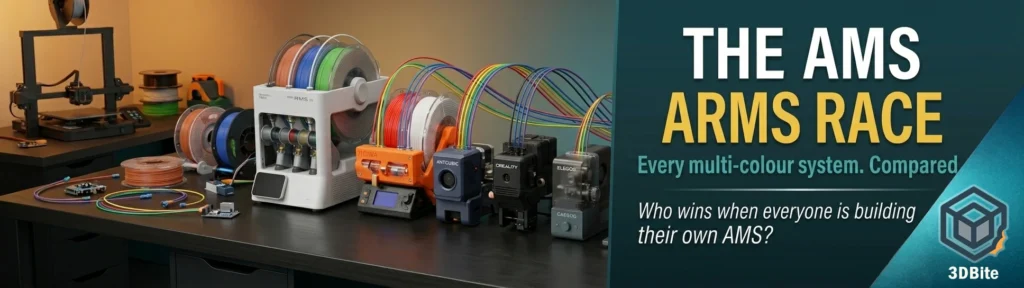
That was three years ago. Look at the market now. Anycubic launched the ACE, then the ACE Gen 2. Creality built the CFS. Elegoo just released the CANVAS for $55. The Snapmaker U1’s integrated tool changer shipped to thousands of Kickstarter backers. The BMCU community built an open-source AMS alternative from a schematic. Every major FDM manufacturer either has a multi-material system or is racing to build one. We are, without question, in an AMS arms race — and the pace of development, the range of architectural approaches, and the price compression happening across the category are all accelerating simultaneously. This post is a survey of the full landscape, what each system actually does, and what it tells us about where multi-colour FDM printing is heading.
How we got here: the Bambu effect
The sequence of events is worth tracing briefly because it explains the current market structure. Before the X1C and AMS, we may have seen the occasional two-headed IDEX printer or expensive colour add-on devices, such as the Mosaic Palette 3 Pro. However, these machines were often inaccurate and difficult to dial in. Only Prusa Research persisted with its MMU system and finally launched a reliable “full colour” mod for its 3D printers. The pre-AMS landscape was fragmented, expensive, and demanding. Multi-colour printing was a hobby within the hobby — something you pursued specifically and with patience, not something you did alongside other projects.
The AMS changed the expectation. It was not perfect — purge waste, occasional jams, the long filament path — but it was reliable enough and integrated enough that a large and growing proportion of Bambu’s customers were using it regularly rather than occasionally. Once that user base existed and demonstrated market size, every other manufacturer had a commercial reason to respond. Kobra 3 with ACE was the first to clone Bambu Lab’s AMS. And Creality released its four-colour CoreXY with CFS later in the year. Many others will surely follow. That was the beginning of the arms race.
Every system in the market right now
Bambu Lab AMS / AMS Lite / AMS 2 Pro
The original and still the benchmark. The AMS family now spans three generations: the AMS Lite that ships with the A1 (four colours, open spool holders, simplified design), the AMS (original, ships with P and X series), and the AMS 2 Pro (current generation, ships with X2D and P2S, stackable to 20 colours with multiple units).
The AMS’s strengths are well understood at this point: tight integration with Bambu Studio and Bambu Handy, RFID spool detection on Bambu filaments, reliable operation on Bambu hardware because the system and the printer were designed together, and a large community knowledge base around optimising it. Filament swaps take 15–25 seconds — faster than MMU3 on average. Reliable on Bambu hardware: because the AMS and printer are co-designed, failures are rare compared to third-party systems.
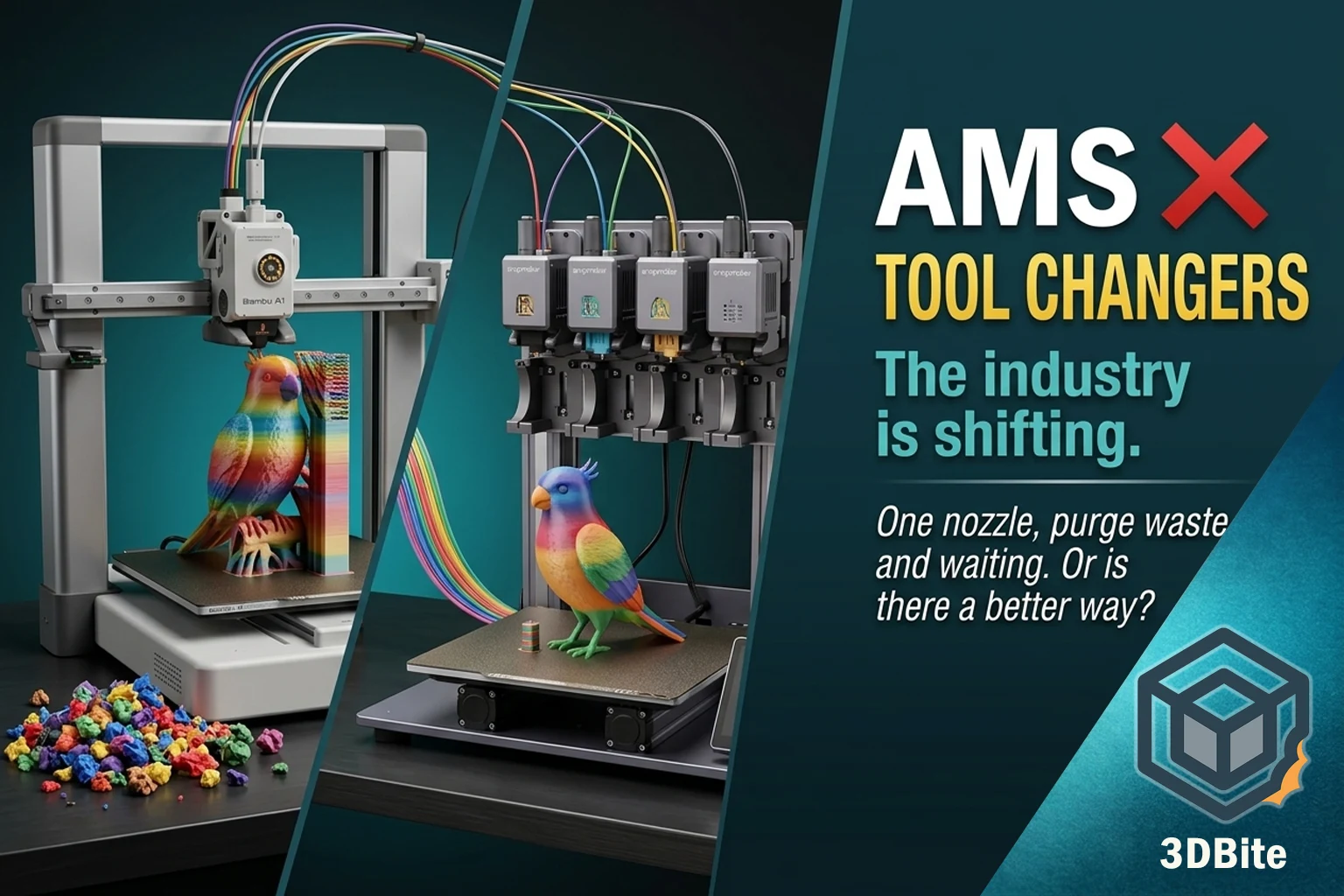
The weaknesses are documented across this site and the broader community: purge waste that can be substantial on complex prints, a long filament path that is the primary cause of both waste and swap time, limited TPU compatibility on the AMS Lite, and a single-nozzle architecture where all the colour change overhead is concentrated. A popular review showed that a 125g model used up to 600g of filament due to purge waste. That is the extreme case, but the direction is consistent.
Prusa MMU3
The MMU3 is the oldest continuously-developed multi-material system in FDM printing and the one that best represents the “open-source, user-serviceable, technically demanding but ultimately capable” philosophy that Prusa has always represented. It is a five-material system (not four — one additional slot over most competitors) that works with the MK3S+, MK4, and CORE One. It uses a selector and buffer mechanism to manage filament loading and unloading through a single extruder.
The MMU3’s strengths are its open nature — fully documented, community-supported, compatible with third-party filaments without RFID requirements — and its waste characteristics. Because the system can wipe directly into infill and uses a well-optimised purge sequence, waste on comparable prints can be lower than the AMS. It also handles flexible filaments better than the AMS Lite with proper tuning. Prusa printers don’t produce the fastest prints, but they produce the most consistent prints. Print #1,000 looks identical to print #1.
The weaknesses: Multi-colour printing. The MMU3 works but requires significantly more maintenance and setup than Bambu’s AMS. The selector mechanism requires calibration and periodic attention. It is slower per colour change than the AMS. And it sits on Prusa hardware at Prusa prices — a CORE One Combo is a meaningful investment.
Anycubic ACE Gen 2 (Kobra X)
As covered extensively in the Kobra X editorial and the week one review, the ACE Gen 2 is architecturally the most interesting multi-colour system in the sub-$300 market. The 10mm cutter-to-nozzle distance eliminates most of the long-path purge waste that characterises external AMS-style systems. Tom’s Hardware’s benchmark documented ten hours of time saving on a complex print versus the Bambu A1. Material changes average 35 seconds, and the system handles both 95A and 85A TPU reliably — something the AMS Lite cannot do. The system is capped at four colours in the base unit (expandable to 19 with ACE 2 Pro units).
The limitations in practice — based on my first week with the machine — are in the firmware and software maturity rather than the hardware concept. The ACE Gen 2 is the right architectural answer to the purge waste problem. The ecosystem around it needs to grow up to match.
Creality CFS (K2 Plus / K2 Pro)
Creality’s Filament System is their AMS response, available on the K2 series machines and expanding to other printers in the range. Its headline differentiation is scale: the CFS supports up to 16 filaments, designed around modular control and camera-based monitoring. Material changes averaged 35–40 seconds. Sixteen colours is more than any AMS configuration can achieve without chaining multiple units. The open firmware, detachable pathways, and user-modified purge routines make it a tinker-friendly playground. For technically minded users who want to customise their multi-colour workflow, the CFS’s Klipper foundation gives more headroom than Bambu’s proprietary system.
The limitations are firmware maturity and reliability consistency. Creality’s CFS is more flexible but still maturing; firmware updates continue to improve reliability. One critical difference: the CFS has a larger nozzle chamber (~0.3 cubic centimetres vs AMS’s ~0.15cc). This larger shared chamber means more material is present at the switch point and potentially more purge required per transition, which partially offsets the scale advantage. Community reports on the CFS are mixed — impressive when configured and calibrated correctly, variable in reliability for users who want a plug-and-print experience.
Elegoo CANVAS
The CANVAS is the most recent and arguably the most surprising entrant in this space. Elegoo launched it alongside the Centauri Carbon 2 at CES 2026 and has now released it as a standalone add-on for the original Centauri Carbon at $55 / £38. That price is remarkable. The Canvas not only costs a fifth of Bambu Lab’s AMS, it also includes a complete hotend, PTFE tubes, and even an upgraded 5020 fan. The hotend alone is worth close to that price on its own, so the deal is objectively solid.
The CANVAS works via four independent motors — one per filament — for fast colour switching with minimised feed paths. RFID auto-detection recognises Elegoo-brand spools automatically, and the option to enable filament auto-refills for identical spools is a useful practical feature. Real-world testing from XDA Developers found the system produced clean results on figurines and multi-colour models, with the reviewer noting that a multicolor Baby Dragon and Flexi Factory model exceeded expectations.
The limitations are the ones you would expect at this price. It’s not designed for technical materials. The feed gears and detection system simply aren’t built for abrasive materials. The four-colour limit is fixed — unlike the AMS, there is no modular expansion path to more colours. And users on forums are already reporting that you won’t be able to close the top glass panel with the Canvas installed — a form factor integration issue that may resolve with a future hardware revision. At $55, the CANVAS is the entry price for multi-colour printing dropping to a level that changes the conversation about who can access this technology.
Snapmaker U1 tool changer
The U1 is architecturally distinct from every other system in this roundup. Where all the above are filament-switcher systems — one nozzle shared between multiple filaments with a purge cycle between each — the U1 uses four physically separate toolheads on kinematic couplings. No shared nozzle, no contamination, no purge required between colours. As documented in the U1 editorial, Tom’s Hardware documented a three-colour figure print with 90 colour swaps that was three hours faster than a Bambu P1P with only a 4-gram prime tower. At $899, it is the most affordable tool changer available to hobbyists by a significant margin. The limitations are the four-colour ceiling, an ecosystem that is still maturing, and the firmware risk now linked to Bambu’s broader ecosystem closure — the U1’s Klipper base should insulate it from that specific risk, but the app and cloud services lag behind Bambu’s.
Mosaic Palette 3 Pro
The Palette is the original third-party multi-colour solution and the one that predates the AMS by years. It works differently from all the above — rather than controlling filament at the printer, it splices filaments together upstream into a single strand before the printer receives them. Any printer becomes a multi-colour printer without modifying the printer at all. The system supports up to four materials (Palette 3) or eight (Pro), works with virtually any FDM printer, and requires no printer-side modification. The limitation is waste — the splice system generates meaningful purge material at each transition — and the cost, which is significant for what is ultimately an external peripheral rather than an integrated system. For users with printers that cannot accommodate a built-in multi-colour system, the Palette remains the only retrofit option. For anyone buying new, the integrated systems have largely superseded it.
BMCU (Bambu Multi Color Unit)
The community-built open-source AMS alternative, covered in detail in the BMCU guide. At £30–£35 for a full DIY build, it is the lowest cost path to AMS-equivalent functionality on Bambu A-series machines. The risk — documented clearly — is that Bambu’s firmware could close compatibility at any future update. An interesting data point: the ERCF (Enraged Rabbit Carrot Feeder) performs a similar role for Voron and Klipper-based machines, demonstrating that the community DIY multi-colour movement exists well beyond the Bambu-specific BMCU.
The full landscape at a glance
| System | Architecture | Max colours | Price (unit) | Waste vs AMS | Key strength | Key weakness |
|---|---|---|---|---|---|---|
| Bambu AMS 2 Pro | External filament switcher, long path | 4 (stackable to 20) | ~£120–150 | Baseline | Ecosystem integration, reliability, RFID | Purge waste, swap time, TPU limitation |
| Prusa MMU3 | External selector, buffer system | 5 | ~£300 (upgrade) | Lower — wipe into infill | Open source, flexible filament support | Maintenance, calibration, slower swaps |
| Anycubic ACE Gen 2 | Integrated into toolhead, 10mm path | 4 (stackable to 19) | Built-in with Kobra X | Significantly lower | Speed, waste reduction, TPU support | Firmware maturity, slicer stability |
| Creality CFS | External, modular, Klipper-based | Up to 16 | ~£200 | Comparable or higher (larger chamber) | Colour count, open firmware, customisable | Reliability inconsistency, not plug-and-play |
| Elegoo CANVAS | External, 4 independent motors | 4 (no expansion) | $55 / £38 | Similar to AMS | Price — dramatically low entry point | No expansion, abrasive filament limitation |
| Snapmaker U1 | Tool changer — 4 independent toolheads | 4 | $899 (included) | Near zero — no purge needed | No purge waste, fastest swaps | 4 colour ceiling, ecosystem immaturity |
| Mosaic Palette 3 Pro | Upstream splice — printer-agnostic | 8 | ~£600 | High — splicing waste | Works with any printer | Cost, splice waste, limited community |
| BMCU (DIY) | Emulates AMS Lite on Bambu A-series | 4 | £30–£35 | Same as AMS Lite | Price — essentially free vs official unit | Firmware lockout risk |
The approach nobody is doing well yet: beyond four colours without the waste
Here is the gap in the market that the arms race has not yet filled. Every system above either caps at four colours (AMS Lite, ACE Gen 2, CANVAS, U1), or achieves more colours with a single-nozzle architecture that generates significant purge waste (CFS at 16, AMS 2 Pro chained to 20), or eliminates waste with a tool changer but stays at four colours (U1). Nobody has yet delivered: more than four colours, minimal purge waste, accessible price, and good ecosystem integration simultaneously.
The theoretical path to that machine is a hybrid — a tool changer that supports more than four heads, perhaps six or eight, at an accessible price point, with AMS-quality software integration. The Snapmaker U1 gets closest on the waste and speed side. The Bambu AMS chained to multiple units gets closest on colour count. Nobody has bridged the two.
What I actually want from the next generation of multi-colour printing is something simpler than a full IDEX system and more capable than the AMS’s single-nozzle architecture: a clean tool changer with six or eight heads, where each toolhead has its own dedicated filament, colour changes are near-instant with no purge, and the whole system integrates with a mature ecosystem comparable to what Bambu has built. At a price that is ambitious but accessible — somewhere in the £800–£1,200 Combo range. That machine does not exist. The U1 is the closest current approximation, but at four colours and with an ecosystem that is still developing, it is the prototype rather than the finished product.
The software dimension: dithering as an alternative
It would be incomplete to survey the multi-colour printing landscape without mentioning the software approaches that sidestep the hardware arms race entirely. Two are worth knowing about in this context.
HueForge applies a completely different approach: using the translucency of standard filament to produce colour variation through layer thickness rather than colour switching. A single spool, carefully chosen for its light transmission properties, produces apparent colour gradients that require no filament changes at all. It is limited to near-flat prints and produces an effect that is closer to a lithophane than a multi-colour model — but within those constraints it is remarkable.
Primed3D, covered in the dedicated guide on this site, uses CMY dithering across layers to approximate any colour from three or five base filaments. By alternating layers of cyan, magenta, yellow, white, and black at 0.08mm layer height, it creates the visual impression of any colour in the spectrum from a standard AMS or multi-colour setup. It is not a replacement for physically separate filament colours — up close the individual layers are visible — but at display distance the blended colour reads convincingly. The technique is genuinely impressive on high-polygon curved models and represents a fundamentally different approach to the colour range problem: instead of adding more physical filament channels, use the existing ones more cleverly.
Neither of these approaches will replace the multi-colour hardware arms race. They are complementary techniques for specific use cases where the hardware approach has limitations. But they are worth knowing about when the question is “how do I get more colours from what I already have” rather than “what new hardware should I buy.”
Where the arms race goes next
Price compression is the most obvious near-term direction. The CANVAS at $55 is the most dramatic data point: a functional four-colour system for the price of three eSun PLA+ spools. If Elegoo can deliver a working multi-colour system at that price point, the expectation for what a multi-colour upgrade should cost has shifted permanently. The AMS’s position as the default four-colour solution depends partly on being good and partly on being the only widely available option. The second condition no longer holds.
The architectural innovation is coming from the tool changer direction. The Snapmaker U1’s success — the most funded 3D printer in Kickstarter history, strong independent reviews, documented purge waste elimination — proves there is a market for the tool changer approach at an accessible price point. The next step is tool changers with more than four heads at comparable pricing. When that arrives, the single-nozzle filament switcher architecture will face a more direct challenge than price alone.
The colour count barrier is being attacked from both directions simultaneously. Tool changers eliminate waste but stay at four. Filament switchers expand colour count but accumulate waste per transition. The company that bridges these — a tool changer with six or eight heads at AMS-adjacent pricing — will own the next generation of this market the way Bambu owned the last one.
Until that machine exists: the AMS remains the most integrated and reliable multi-colour system for users within the Bambu ecosystem. The ACE Gen 2 is the most interesting architectural innovation at accessible pricing. The CANVAS is the most surprising value entrant. And the tool changer concept, exemplified by the U1, is the clearest signal of where the technology is heading once the price and colour count constraints are solved.
The race is on. It is moving fast. And the winner will be whoever manages to give hobbyist printers more than four colours with near-zero waste at a price that does not require a rethink of the household budget. Nobody has done that yet. But someone will, and probably sooner than most people expect.