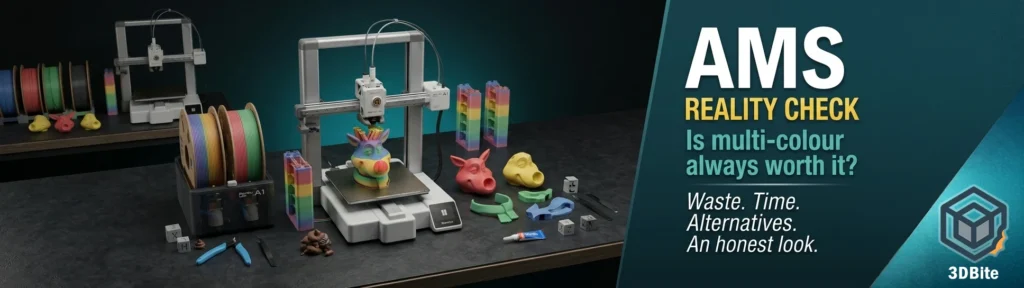
I use the AMS. I like the AMS. Having four colours loaded and ready to go, being able to send a multi-colour print from my phone without touching the machine, watching a model come off the plate already fully coloured — all of that is genuinely good. I am not writing this post to argue that the AMS is a mistake or that multi-colour printing is not worth pursuing. It clearly is, or I would have stopped using it.
But I also accumulate a bin of purge waste with every multi-colour job, and I have printed enough complex models on the AMS to have a clear-eyed view of when it earns its place and when it does not. The waste bothers me more than I usually admit. And the more time I spend with well-designed non-AMS models — the ones that print each colour separately and assemble after — the more I think the community undersells how good that workflow actually is.
So this post is an honest look at the question. Not “should you buy an AMS” — the answer to that is almost certainly yes if you are on a Bambu machine and multi-colour printing interests you. The more useful question is: for any given model, is AMS actually the right approach? And the answer to that is more often “it depends” than the marketing suggests.
The waste problem: let us be specific
Purge waste is not a minor footnote. It is a fundamental characteristic of how single-nozzle multi-colour printing works, and it can be genuinely significant on complex prints.
Every time the AMS switches colour, the previous filament has to be flushed from the nozzle before the new colour can print cleanly. That flushed material goes somewhere — into a prime tower printed alongside the model, into the infill of the model itself if you have flush-into-infill enabled, or into the waste chute as what the community affectionately calls “poop.” Often it goes into all three simultaneously, which confuses new users who expected the settings to be mutually exclusive.
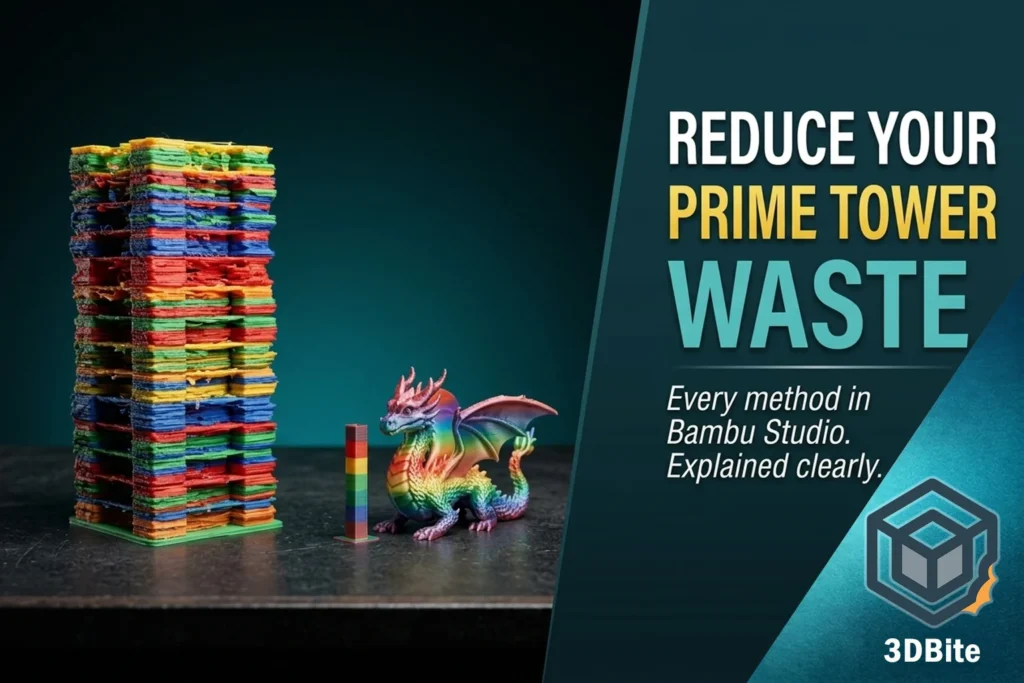
In a documented real-world test printing multicolor board game pieces, the model weighed 51g and the purge waste plus purge tower weighed 98g — nearly double the model weight. That is not an extreme case. The Bambu wiki documents the same dynamic with the Bambu Cube: with 153 filament changes and 83 grams of waste for an 11-gram object, it is a relatively inefficient print. And HowToGeek recently documented an extreme case: 500 grams of the 800 grams of total material used for a complex four-colour robot model was purge waste.
To be fair to the AMS, the waste is not fixed. On a complex four-colour figure with frequent colour changes, a Bambu X1C with AMS might generate 30–60 grams of purge waste per print depending on colour order and model complexity. Calibrating flush amounts, ordering filaments light-to-dark, enabling flush into infill, and using flush objects can all reduce this significantly — we covered all of those methods in detail in the prime tower waste guide. But even with all of those settings optimised, you are not getting to zero. The physics of flushing a shared nozzle means there will always be waste. The question is how much you are willing to accept for a given result.
The colour transition direction matters considerably. Darker colours need a higher volume flush to switch to lighter colours, and lighter colours need less to switch to darker colours. A model that cycles repeatedly between white and black — eyes on a figurine, say, or a logo with high contrast — generates more waste per layer than a model with a simpler colour structure. If your model has many such transitions across its height, the waste compounds with every layer.
The time cost: what the swap actually adds
Waste is the visible cost. Time is the invisible one. Every colour change on the AMS is not just a filament swap — it is a retraction, a cut, a load of new filament, a purge pass, a return to the model, and often a prime tower deposit. At 40–90 seconds per swap, this adds up fast on complex prints.
The independent comparison between the Bambu A1 and the Anycubic Kobra X that we covered in the Kobra X post illustrated this concretely: on a print with 776 colour swaps, the Kobra X’s integrated ACE Gen 2 system — with its 10mm cutter-to-nozzle distance versus the AMS’s much longer path — was ten hours faster on the same model with default settings. Ten hours. On a single print. That is the difference the swap time makes at scale, and it is a more honest measure of AMS overhead than any per-swap second count.
For prints with modest colour change counts — under 50 swaps — the time addition is manageable and usually not worth worrying about. For complex figurines, detailed multi-colour models with colour changes on most layers, and anything painted with fine colour detail in Bambu Studio, the swap time becomes a meaningful proportion of the total print duration.
The alternative that does not get enough credit
I am going to make a case for multi-part assembly that I think is undervalued in the multi-colour printing conversation.
The assumption in most discussions of AMS printing is that single-piece multi-colour is the gold standard and multi-part assembly is the compromise you make when you do not have an AMS. I do not think that is right. I have been printing multi-part models — the kind where each colour is a separate job, the parts slot and glue together, and assembly happens by hand — consistently alongside AMS prints, and the workflow has genuine advantages that are not just about avoiding waste.
The Mario and Luigi figures I printed for my godson were multi-part, each colour a separate job. The colour separation is sharper than you can get with AMS — each part is a single colour printed clean, with no transition layers or bleed at the boundary. The finish on individual parts is often cleaner because you can orient each colour optimally for print quality rather than accepting the orientation that works for the assembled model. And the assembly process itself is satisfying in a way that watching a plate complete is not — there is something engaging about putting a complex figure together by hand, finding the alignment, gluing methodically, seeing it come together.
The non-AMS workflow also removes the single biggest operational concern of AMS printing: mid-print failures caused by filament path issues, tangles, humidity in the AMS, or unexpected jams during a colour change. A multi-part print where each job is a single colour is simpler, more predictable, and recoverable if something goes wrong. A failed single-colour job means reprinting one part. A failed AMS job mid-way through a complex eight-hour multi-colour print means reprinting everything.
The honest trade-off is time investment and assembly patience. Multi-part printing requires planning your colour jobs, running them sequentially, tracking which parts belong to which colour, and then spending time on assembly. AMS printing requires loading four spools and letting the machine run. Neither is objectively better. They are different workflows that suit different use cases and different personalities.
Head to head: AMS print vs multi-part assembly
| Factor | AMS multi-colour print | Multi-part assembly |
|---|---|---|
| Colour accuracy at boundaries | Transition layers — small bleed possible between colours | Sharp — each part is a single clean colour |
| Filament waste | Significant — up to double model weight on complex prints | None — each colour job is a simple single-colour print |
| Print time | Extended by swap time — 40–90 seconds per change, compounds on complex models | Multiple jobs but each is faster with no swap overhead |
| Failure risk | One failure loses the whole print. AMS jam mid-job is an eight-hour loss | Failure loses one colour job. Reprint just that part |
| Assembly effort | None — model comes off plate ready | Requires alignment, gluing, and patience |
| Part orientation optimisation | One orientation for the whole model | Each colour optimised individually for best surface quality |
| Remote print friendliness | Excellent — one job, set and forget from Bambu Handy | Requires managing multiple sequential jobs |
| Model availability | Vast — MakerWorld optimised for AMS, pre-painted files everywhere | Growing — designers increasingly provide non-AMS versions |
| Colour count limit | 4 with standard AMS Lite. More with chained units | Unlimited — each colour is a separate spool |
| Satisfaction of the process | High — magic of a finished multi-colour plate | Different high — the build process itself is enjoyable |
Where AMS genuinely earns its place
None of the above is an argument against using the AMS. It is an argument for knowing when it is the right tool. These are the cases where AMS multi-colour printing is the correct approach.
Complex geometry that cannot be sensibly split is the strongest case. A model with fine colour detail — spots, patterns, text on a curved surface, micro-scale colour variation across an organic form — cannot realistically be reproduced by assembling separate parts. The AMS can paint colour at layer level on geometry that would be impossible to split and assemble without visible seams at every colour boundary. Fine decorative work is where the single-nozzle AMS is genuinely irreplaceable at its price point.
Remote printing is another strong case, and it is one I use regularly. Loading four colours into the AMS Lite, sending a print from Bambu Handy while I am not in the room, and coming back to a finished multi-colour model is one of the genuinely useful parts of the Bambu ecosystem. Multi-part printing requires attending to sequential jobs. AMS printing runs unattended from start to finish. For anyone who remote prints regularly, the AMS makes multi-colour accessible in a way that multi-part simply is not.
Having a loaded palette of colours ready to go is underrated too. Even if a specific print does not need all four slots, having black, white, and two accent colours constantly loaded means any model can be printed in the right colour without swapping spools manually. The AMS functions as a colour-ready state for the machine, not just as a multi-colour print mechanism. That ambient readiness is genuinely useful.
Functional dual-material printing is a strong AMS use case that gets less attention than decorative multi-colour. Support interface material in a dedicated slot, loaded alongside the model material — PETG supports for a PLA model, soluble PVA for complex internal channels — is a workflow that removes one of the most frustrating aspects of functional printing. This use case generates minimal waste because the support material is printing something useful rather than flushing through as contamination, and the functional result is significantly better than single-material supports.
Where AMS is a questionable choice
Simple two or three colour models with clean geometric colour boundaries are the weakest case for AMS printing. A model that splits into a base colour and an accent colour — a figure with a body and eyes, a logo with background and text, a functional part with a highlight stripe — is often better served by multi-part printing. The colour boundary is sharper, the waste is zero, and the total print time for the two single-colour jobs is frequently less than the single AMS job with its swap overhead.
One-off display pieces where you have time to print and enjoy assembly are another case where multi-part competes well. For a once-off model that will adorn a shelf for many years, the waste and time might be worth it. For commercial volume printing or repeated production runs, the waste makes profit margins too slim. That observation applies to hobbyist one-offs too, but in the opposite direction — if you have the patience and you enjoy the assembly, a multi-part approach produces a result that in many cases looks better and costs less to achieve.
Any print where colour count exceeds four and the model could reasonably be split is better handled by multi-part assembly. AMS Lite tops out at four colours. If your model genuinely needs six colours and can be split into six single-colour jobs, the multi-part route gives you unlimited colour depth with no colour change overhead.
The landscape is changing: tool changers and dual extrusion
The AMS’s single biggest structural weakness — the purge waste inherent to a shared single nozzle — is being addressed at the hardware level by a new generation of machines, and it is worth understanding how this changes the calculus.
Tool changers like the Prusa XL and the Snapmaker U1 use physically separate toolheads — each loaded with its own dedicated filament. When a colour change happens, the machine docks the current toolhead and picks up the next. There is no shared nozzle and therefore no cross-contamination to flush. The Prusa XL’s wipe tower only needs to stabilise pressure after a swap, not flush old material. Waste drops to 5–15 grams in typical use compared to 30–60 grams on the same model with an AMS. The U1, with its 10mm cutter-to-nozzle distance and tool-changer speed, makes the gap even starker — as documented in the Kobra X comparison, the speed and waste difference over hundreds of colour swaps is measured in hours and tens of grams, not minutes and single grams.
Bambu’s own hardware response to this is the dual-nozzle approach. The H2D ships with true dual extrusion: two independent hotends, each with its own filament, swapping between layers without contaminating the other. For the common figure case — skin tone plus hair, or body plus accent — the H2D collapses one of the AMS’s biggest weaknesses. It also costs less than a fully-equipped Prusa XL, prints faster, and slots into a Bambu workflow most makers already know.
The X2D brings a related architecture to the compact format — dual nozzle in an X-series body, with a direct-drive main extruder and a Bowden auxiliary, at a price that finally makes dual extrusion accessible without an H-series budget. As covered in the X2D guide, the practical waste reduction over AMS for dual-material support printing is significant and the colour change time at nozzle level is faster than filament retraction and reload.
What this means for AMS in 2026 is that it is no longer the only affordable path to multi-colour FDM printing. The tool changer and dual extruder alternatives are now accessible at price points that serious hobbyists can reach, and they address the waste problem at the architecture level rather than through slicer optimisation. The AMS remains the right answer for anyone who needs more than two colours on a single nozzle Bambu machine and is not ready to step up to a different architecture. But it is no longer the only answer, and the community is increasingly aware of the alternatives.
My honest position
I keep the AMS Lite loaded. Four colours — usually a couple of neutrals and whatever the current project needs — sit ready at any time, and that readiness is genuinely useful. Remote printing a quick multi-colour job without manual setup is a workflow I use regularly and would miss if I went back to single-colour only.
But for any model where the designer has provided a non-AMS version — separate colour files, assembly-based, print-each-colour-separately — I almost always choose the non-AMS route. The assembly is enjoyable. The colour boundaries are sharper. The waste is zero. And there is no risk of a mid-print AMS jam ruining eight hours of work. The Mario and Luigi builds, the Rudolph figure, the festive lamppost — all of these were multi-part rather than AMS jobs, and all of them came out better for it.
The AMS is not a mistake. It is a tool with specific strengths and specific limitations, and being clear about both makes you a better user of it. Use it where the geometry demands it, where remote printing matters, or where the colour complexity genuinely cannot be reproduced any other way. And for the growing catalogue of well-designed multi-part models that offer a genuine alternative — consider whether the assembly route might produce a better result for less cost. It often does.
The practical guide: AMS or multi-part?
Before committing to an AMS print, run through these questions. They will not give you a definitive answer every time, but they will identify the cases where the multi-part route is clearly worth considering.
- How many colour changes does the sliced file estimate? Check the preview. Under 50 swaps, the time overhead is manageable. Over 150 swaps, the time and waste cost is significant and worth reconsidering
- Does the model have a non-AMS version available? Check MakerWorld and the designer’s other uploads. Many popular multi-colour models now have non-AMS variants specifically because designers know their audience includes people who prefer the assembly route
- Are the colour boundaries geometric and clean, or fine and complex? Clean geometric splits — body and eyes, base and detail — are candidates for multi-part. Fine painted detail and micro-scale colour variation require AMS
- How much does the purge waste cost you in this specific filament? Purging Bambu Lab filament at £25 per spool costs more per gram than purging eSun PLA+ at £12 per spool. On a 100-gram waste print, the difference is not trivial
- Is this a one-off display piece or a repeatably printed item? One-off display pieces absorb assembly time well. Repeated production runs favour AMS efficiency
- Do you need to remote print it? If you are sending the job from your phone while away from the machine, AMS single-job wins. Multi-part requires attending to sequential jobs
Summary
The AMS is a genuinely useful system that makes multi-colour printing accessible in ways that were not possible before. It is also a system with a real and documented waste cost, a real time overhead on complex prints, and a specific failure mode that can lose hours of print time in a single jam. None of that is a reason not to use it. All of it is a reason to use it thoughtfully rather than as the default for every multi-colour job.
The multi-part assembly alternative is better than its reputation. It produces sharper colour boundaries, zero waste, simpler individual print jobs, and — if you enjoy the process of building things — a more satisfying workflow than watching a plate run unattended. It requires patience and planning. It rewards both.
And the hardware landscape in 2026 is beginning to offer real alternatives to both approaches. Tool changers and dual extrusion machines address the waste problem at the architecture level in a way that no slicer setting can replicate. The AMS will continue to be the right answer for most people on most Bambu machines for most of the next few years. But the gap between the AMS and the alternatives is narrowing, and the community conversation around it is maturing in useful ways.
How do you use your AMS? Is the waste something you have learned to live with, or have you found ways to work around it that changed how you print? Drop a comment below — this is a topic where the community’s real-world experience is more informative than any benchmark test.